Choosing the right CRM with email marketing features can save time, improve customer engagement, and align sales and marketing efforts. This guide compares 12 platforms, detailing their CRM capabilities, email automation features, integrations, and pricing. Here's what you need to know:
- HubSpot CRM: Free CRM with advanced email automation; ideal for SMBs but can get expensive at higher tiers.
- Salesforce: Enterprise-grade CRM with powerful email tools; best for large teams with complex needs.
- ActiveCampaign: Combines CRM and advanced email workflows; great for small to midsize businesses.
- Zoho CRM Plus: Affordable CRM with email marketing; perfect for startups and budget-conscious teams.
- Mailchimp: Beginner-friendly email tool with basic CRM features; best for small businesses and e-commerce.
- Brevo (Sendinblue): Budget-friendly with unlimited contacts and multichannel options; good for small businesses.
- Constant Contact: Simple email tool for small businesses and nonprofits; limited automation features.
- GetResponse: Email-focused with CRM and webinar tools; good for lead nurturing and digital marketing.
- Moosend: Low-cost email tool with basic CRM features; great for small teams and startups.
- Klaviyo: Tailored for e-commerce with advanced segmentation and automation; excellent for online stores.
- Salesmate: Sales-focused CRM with email sequences; ideal for B2B sales teams.
- SendPulse: Combines CRM and multichannel marketing; affordable for small businesses.
Quick Comparison
| Tool | Best For | Key Features | Pricing (USD) |
|---|---|---|---|
| HubSpot CRM | SMBs, B2B | Free CRM, advanced automation | Free; paid plans from $20 |
| Salesforce | Enterprises, B2B | Customizable CRM, multichannel tools | From $25/user |
| ActiveCampaign | SMBs, B2B | Advanced workflows, 900+ integrations | From $29/month |
| Zoho CRM Plus | Startups, SMBs | Affordable CRM with email marketing | From $14/user |
| Mailchimp | Small businesses | Basic CRM, templates, AI tools | Free; paid from $13 |
| Brevo | Startups, SMBs | Multichannel, unlimited contacts | Free; paid from $25 |
| Constant Contact | Nonprofits, SMBs | Easy-to-use, event tools | From $12/month |
| GetResponse | Digital marketers, SMBs | Funnels, webinars, automation | From $19/month |
| Moosend | Startups, SMBs | Affordable, basic CRM features | Free; paid from $9 |
| Klaviyo | E-commerce | Advanced segmentation, SMS integration | Free; paid from $20 |
| Salesmate | Sales teams, B2B | CRM with email sequences | From $12/user |
| SendPulse | Small businesses | Multichannel, basic CRM | Free; paid from $6 |
This guide helps you narrow down your options based on your team size, budget, and technical needs. Read on for detailed reviews of each platform.
Best Email Marketing Software for Small Businesses | Brevo vs Mailchimp vs ActiveCampaign
1. HubSpot CRM and Marketing Hub

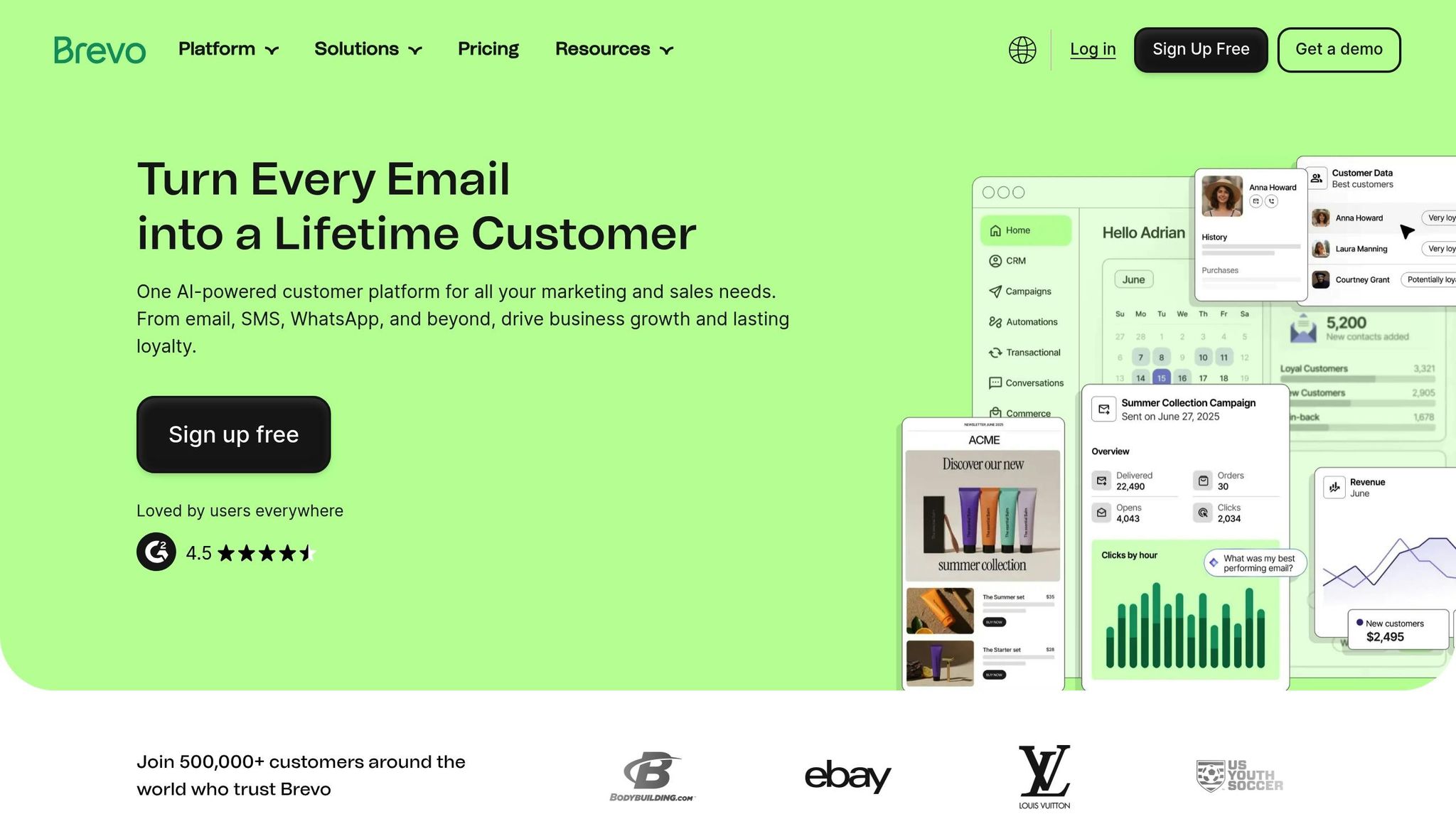
HubSpot brings together CRM, deal tracking, and email engagement into a single, streamlined platform. This integration ensures that every email open, click, and reply is automatically logged in a contact’s timeline. For businesses in the U.S. handling B2B sales cycles or B2C customer journeys, this shared data system allows marketing and sales teams to access the same information - like form submissions, website visits, lifecycle stages, and email interactions - all in one place.
CRM Model and Integration
HubSpot’s cloud-based CRM is the backbone of its Marketing, Sales, Service, and CMS hubs. It tracks contacts, companies, deals, and activities. For example, when someone fills out a form or downloads a resource, that action is recorded on their contact record, along with details like the source and campaign attribution. This allows marketing teams to create segmented lists based on behavior (like page views and email activity), firmographics (such as industry or company size), and lifecycle stages (e.g., lead, opportunity, or customer) without needing manual imports or exports.
Sales teams can send personalized emails directly from the CRM and view a complete history of automated sequences sent by marketing. This shared visibility supports common U.S. workflows, such as following up after demos, re-engaging inactive leads, or scheduling onboarding emails adjusted for time zones and business hours. Account-based marketing teams also benefit from consolidated views of companies, making it easier to coordinate outreach across multiple stakeholders.
This unified data system sets the groundwork for powerful email automation.
Email Automation and Features
HubSpot’s Marketing Hub includes a visual workflow builder that automates email campaigns with features like delays, branching logic, and internal notifications triggered by actions such as form submissions or email interactions. Marketers can create nurture sequences that adapt based on user behavior - like clicking a demo link or visiting a pricing page. For instance, new leads might receive a three-email series over two weeks, with an automatic sales follow-up triggered by specific actions.
The platform also offers a drag-and-drop email editor with mobile-responsive templates that teams can reuse and customize for newsletters, promotions, or lifecycle emails. Personalization tokens make emails feel tailored by dynamically inserting details like the recipient’s name, company, or lifecycle stage into subject lines and content. HubSpot supports A/B testing (available on higher-tier plans) and provides detailed analytics, such as open and click-through rates, device usage, time-to-open, and revenue tied directly to CRM deals.
To help U.S. companies stay compliant with CAN-SPAM, HubSpot includes built-in subscription types, double opt-in options, and consent settings for managing different email categories (e.g., marketing, transactional, and updates) within a single system. Impressively, HubSpot reports a 98% email delivery rate, ensuring campaigns reach inboxes instead of spam folders.
Additionally, HubSpot’s functionality extends even further with third-party integrations.
Third-Party Integrations
HubSpot integrates with hundreds of third-party tools, allowing email campaigns to respond to data from external systems. Common use cases in the U.S. include syncing customer orders, linking ad platforms for retargeting, and connecting webinar tools for automated follow-ups. These integrations make email part of a broader multi-channel strategy that also incorporates ads, live chat, and in-app messaging.
For mid-sized B2B companies, the setup process often starts with importing existing contacts and mapping fields like lifecycle stage, lead source, and region for segmentation. Teams typically begin with a basic sales pipeline and lead statuses, then develop essential email assets like branded templates, welcome series, and lead-nurture workflows. Over the first 60 to 90 days, engagement metrics guide adjustments to these workflows. Adding third-party tools - such as calendars, e-commerce platforms, or ad accounts - further enhances automation by making campaigns more responsive to customer behavior.
This seamless integration of CRM data and email marketing illustrates HubSpot’s strength in combining these tools effectively.
Pricing in USD
HubSpot CRM offers a free tier for up to two users, which includes basic contact management and limited email capabilities. For more advanced email marketing, U.S. businesses typically upgrade to Starter, Professional, or Enterprise plans. Starter plans generally range from $20 to $50 per month, depending on features and contact volume. Professional plans start at around $180 per user per month, unlocking advanced automation, A/B testing, and deeper reporting capabilities - features that are essential for managing larger databases and more complex campaigns.
HubSpot CRM is highly rated, with reviewers giving it 4.7 out of 5 stars. Users frequently highlight its ease of use, strong integration between CRM and marketing tools, detailed reporting, and scalability for growing businesses. However, some note that the most advanced email automation features are only available on higher-tier plans, which could be a drawback for smaller businesses on a tight budget.
Because HubSpot keeps email and CRM data within one system, it creates detailed contact timelines that capture every email interaction, website visit, and deal activity. This level of integration eliminates the need for complex connectors often required by standalone tools. HubSpot’s reporting ties specific campaigns to deal creation, pipeline value, and closed-won revenue, helping U.S. teams answer questions like, “Which campaigns generated the most qualified leads this quarter?” or “What’s our email-driven revenue by segment?”
Overall, HubSpot is a strong choice for growing SMBs and mid-market teams that want a unified CRM and marketing solution, advanced automation, and scalability. It’s especially useful for U.S. B2B companies with multi-touch sales cycles, content-driven lead generation strategies, and a need for close marketing and sales alignment. Smaller or budget-conscious teams, however, may prefer simpler tools until they’re ready to invest in HubSpot’s advanced features.
For more resources on email marketing platforms and service providers, visit the Email Service Business Directory, which offers a curated list of tools and agencies tailored to various industries and list sizes.
2. Salesforce and Marketing Cloud / Account Engagement
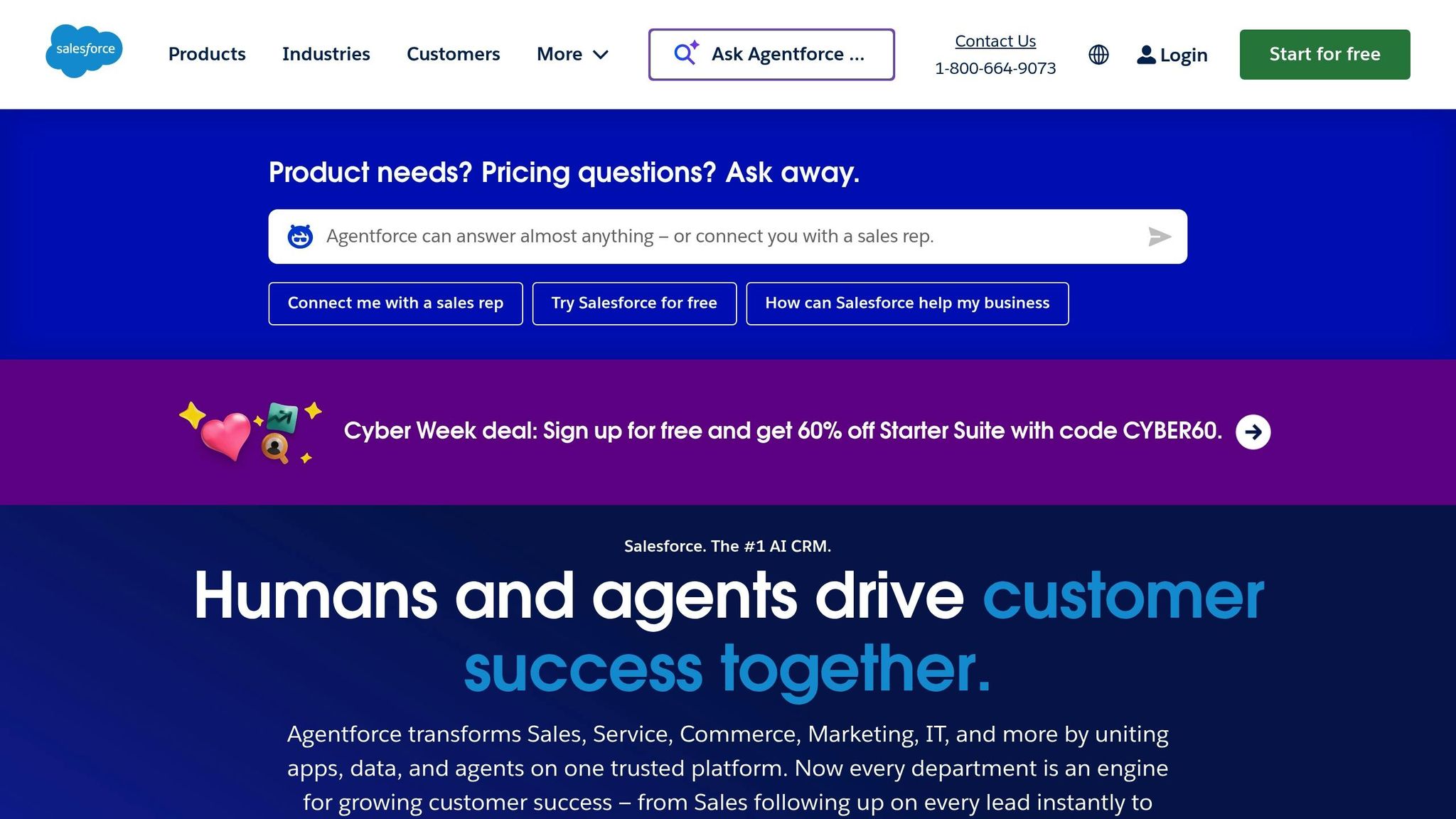
Salesforce provides two distinct email marketing solutions tailored to different needs: Marketing Cloud, designed for B2C companies managing high-volume campaigns, and Account Engagement (formerly Pardot), which focuses on B2B lead nurturing. Both seamlessly integrate with Salesforce Sales Cloud.
CRM Model and Integration
At its core, Salesforce Sales Cloud operates as a cloud-based CRM built around customizable objects - like leads, contacts, accounts, and opportunities. These objects integrate directly with Marketing Cloud or Account Engagement, creating a unified system for email marketing and CRM data. For example, custom fields in the CRM can trigger specific email campaigns.
The integration process differs between the two platforms:
- Account Engagement: Offers bi-directional syncing, meaning prospect data (e.g., email opens, form submissions, lead scores) flows back into Salesforce Lead and Contact records. This setup supports standard B2B workflows, such as routing qualified leads to sales reps based on criteria like territory or deal size. It also tracks lead progression through the sales pipeline.
- Marketing Cloud: Uses a connector to feed CRM data into Journey Builder, enabling marketers to send emails triggered by CRM events. For instance, a B2C company can automate lifecycle campaigns - like onboarding emails, loyalty promotions, or renewal reminders - based on real-time updates in the CRM. A retailer might use this to send cart abandonment emails and track whether they drive purchases.
This integrated approach empowers U.S. teams to link email campaigns directly to pipeline value and closed revenue, tracked in Salesforce dashboards. Teams can assess which campaigns generate the most qualified leads or contribute the highest email-influenced revenue by region.
Email Automation and Features
Marketing Cloud revolves around Journey Builder, a visual tool for creating multi-step, multi-channel campaigns. These campaigns can be triggered by:
- CRM events (e.g., new leads or opportunity updates)
- Behavioral actions (e.g., email clicks or website visits)
- Time-based schedules
Journey Builder supports advanced features like decision splits, A/B testing, wait periods, and send-time optimization powered by Salesforce's Einstein AI. For example, a marketer could set up an automated sequence of welcome emails, follow-ups, and review requests based on customer interactions.
Dynamic content blocks in Marketing Cloud allow emails to adjust based on subscriber attributes, such as location, purchase history, or loyalty tier. This feature enables marketers to create one campaign with personalized messaging for different audience segments, saving time and effort.
Account Engagement, on the other hand, is built for B2B drip campaigns through its Engagement Studio. Marketers can design multi-touch workflows that adapt based on recipient behavior. For instance, if a prospect opens an email, they might receive additional content; if not, the messaging could shift. This behavior-driven branching ensures outreach aligns with a prospect's readiness to engage. A typical setup might include nurturing new leads until they hit an engagement threshold, at which point they're handed off to sales.
Both platforms support lead scoring and grading, combining engagement data (like clicks and form fills) with demographic information (such as job title or company size). This helps prioritize leads and determine when they’re ready for sales follow-up.
Additionally, both tools comply with CAN-SPAM regulations through subscription management and unsubscribe handling. Marketing Cloud also offers data residency settings for organizations with specific compliance needs.
Salesforce's automation capabilities are further enhanced by its extensive ecosystem of third-party integrations.
Third-Party Integrations
Salesforce integrates with a wide range of tools, from advertising platforms to e-commerce systems, enabling seamless data flow into CRM records. For example:
- A U.S. SaaS company could connect its webinar platform to Salesforce, automatically updating Lead records when prospects attend a demo. This could trigger a follow-up email series through Account Engagement.
- An online retailer might integrate its order management system with Marketing Cloud to send order confirmations, shipping updates, and post-purchase offers - all while tracking customer lifetime value in Salesforce.
The AppExchange marketplace offers thousands of pre-built integrations, including form builders, analytics platforms, and enrichment tools. However, setting up these integrations requires careful planning, including field mapping and sync configuration. U.S. teams often rely on Salesforce admins or marketing operations specialists, with implementation timelines ranging from weeks to months.
Pricing in USD
Salesforce's pricing reflects its enterprise focus, with costs varying based on the platform and features:
- Sales Cloud starts at $25–$80 per user per month (billed annually). Email marketing requires additional licenses.
- Account Engagement pricing depends on the edition and contact limits, starting in the mid-to-high three-figure range per month. Higher editions unlock advanced features like AI-driven lead scoring and analytics.
- Marketing Cloud typically requires a custom quote, with costs based on contact volume, channels (e.g., email-only vs. multi-channel), and feature bundles like Engagement or Personalization. It’s generally priced higher than Account Engagement, given its enterprise-scale capabilities.
When budgeting, U.S. companies should also consider implementation services, training, and ongoing administration. Evaluating the total cost of ownership over 2–3 years - including licenses, professional services, and internal resources - can help determine whether Salesforce meets organizational needs.
| Aspect | Marketing Cloud | Account Engagement (Pardot) |
|---|---|---|
| Primary focus | B2C / high-volume omni-channel marketing | B2B lead generation and nurturing |
| Core email use | Promotional, lifecycle, transactional, and triggered journeys across channels | Drip campaigns, lead nurturing, sales-aligned email sequences |
| CRM integration | Connects to Salesforce CRM; often used with large contact databases and business units | Native, tight integration with Salesforce leads, contacts, and opportunities for scoring and ROI |
| Automation style | Journey Builder for complex, multi-step cross-channel flows | Engagement Studio for B2B nurture programs with scoring and grading |
| Typical buyer | Enterprises, large consumer brands, sophisticated digital marketing teams | B2B companies leveraging Salesforce CRM |
Salesforce's email marketing tools are powerful but require expertise to manage effectively. They’re best suited for larger or fast-growing teams needing advanced reporting, workflow automation, and integrations across departments. While the platform offers deep customization and enterprise-grade security, its high cost and complexity can challenge smaller teams.
For U.S. mid-market companies, the choice between Marketing Cloud and Account Engagement depends on business needs. A B2B SaaS company might use Account Engagement for webinar follow-ups and lead nurturing, while a large consumer brand could leverage Marketing Cloud for high-volume, multi-channel campaigns.
3. ActiveCampaign
ActiveCampaign markets itself as a platform that blends email marketing, CRM, and advanced workflow automation into a single system. This all-in-one approach appeals to many small to midsize U.S. businesses aiming to simplify customer engagement without juggling multiple tools.
CRM Model and Integration
ActiveCampaign's built-in sales CRM works seamlessly with its email marketing and automation features, automatically updating contact records, deals, and pipelines based on customer interactions. For instance, if a contact clicks a specific link or responds to an email, the system can automatically move a deal to a new stage, initiate follow-up actions, or assign a sales task. This integration helps align marketing and sales efforts, making it a great fit for smaller teams. However, it doesn't offer the deep customization options found in more complex, enterprise-focused CRMs.
This integrated approach also strengthens ActiveCampaign's capabilities in email automation.
Email Automation and Features
ActiveCampaign is highly regarded for its sophisticated automation tools. Users can create multi-step workflows with conditional logic, branching paths, and goals. With over 900 prebuilt workflow templates, setting up sequences like welcome emails, abandoned cart reminders, or post-purchase follow-ups is straightforward. Automations can be triggered by actions such as email opens, link clicks, purchases, site visits, or custom events. Predictive sending and machine learning features further enhance timing and content for nurturing B2B leads effectively.
The platform's drag-and-drop email editor includes more than 240 templates and supports personalization using contact fields, tags, behavior history, and CRM data. Dynamic content blocks allow users to tailor messages for specific audience segments, while built-in split testing for subject lines and content helps fine-tune campaigns over time.
In addition to these automation tools, ActiveCampaign's wide range of integrations expands its functionality even further.
Third-Party Integrations
ActiveCampaign integrates with over 900 third-party tools, including e-commerce platforms like Shopify and WooCommerce, payment systems, webinar software, and customer support tools. For example, an abandoned cart event or webinar attendance can trigger personalized email sequences while automatically updating CRM data. This interconnected functionality lets businesses centralize their multi-channel data and create dynamic email programs based on real-time customer behavior, eliminating the need for manual data updates across systems.
Pricing in USD
ActiveCampaign's pricing starts at approximately $15 per month for 1,000 contacts and one user. For businesses with larger contact lists - around 50,000 - enterprise plans can cost up to $1,169 per month. Pricing primarily depends on the number of contacts and the plan's features, so small and midsize businesses should factor in potential list growth over the next 12–24 months when budgeting. Annual billing typically offers savings compared to monthly payments, and new users can take advantage of a free trial to explore the platform before committing.
ActiveCampaign is particularly well-suited for B2B companies and growing teams that need advanced lead nurturing, complex workflows, and strong marketing-sales alignment without the overhead of a large-scale enterprise CRM. While the platform's learning curve may pose challenges for very small teams looking for simplicity, many businesses can get started by importing contacts, defining key lifecycle stages (e.g., lead, marketing-qualified, sales-qualified, customer), setting up a basic sales pipeline, and launching essential automations like welcome emails and follow-up sequences. With the help of prebuilt workflow templates, teams can often get basic programs up and running within a few weeks, gradually expanding to more advanced triggers and segmentation as they become familiar with the platform.
4. Zoho CRM Plus and Zoho Campaigns
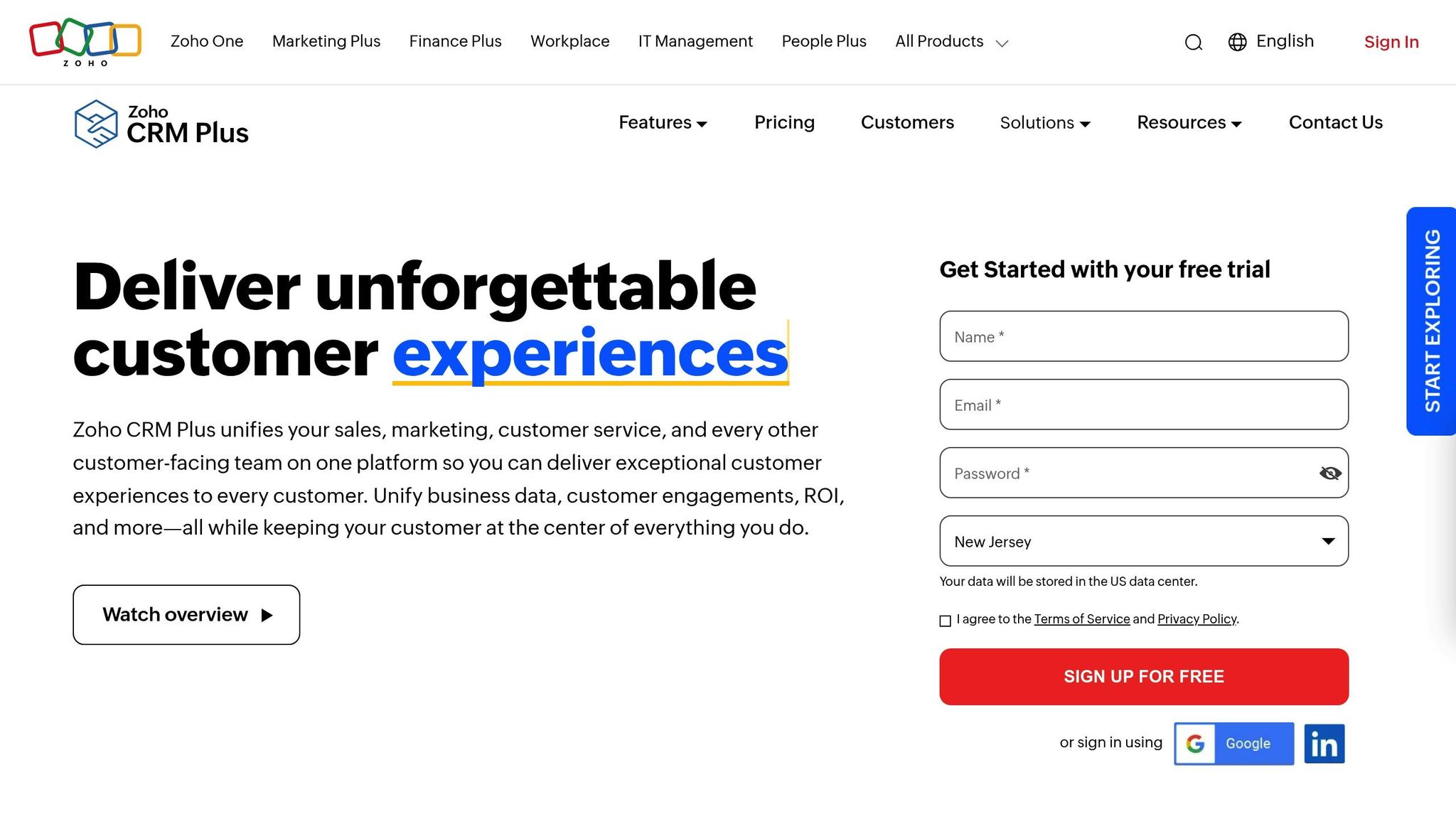
Zoho provides two key products for businesses looking to combine CRM and email marketing: Zoho CRM Plus and Zoho Campaigns. Zoho CRM Plus is an all-in-one suite that integrates CRM with tools for marketing, customer support, analytics, and more. On the other hand, Zoho Campaigns is a dedicated email marketing platform. Together, they offer small to midsize U.S. businesses a unified sales and marketing solution at a more budget-friendly price compared to competitors like HubSpot or Salesforce.
CRM Model and Integration
Zoho CRM Plus goes beyond being just a CRM system - it’s a bundled suite that includes Zoho CRM as its foundation, along with tools like Zoho Desk for customer support, Zoho Projects for project management, analytics, and marketing features. This setup appeals to teams aiming to streamline operations by reducing the need for multiple vendors.
The integration between Zoho CRM and Zoho Campaigns is seamless, thanks to a bi-directional sync. This shared data layer ensures that contacts, leads, and deals in Zoho CRM automatically synchronize with mailing lists and segments in Zoho Campaigns. For instance, if a sales team captures a new lead via a web form or phone call, that lead can be automatically added to targeted Zoho Campaigns lists based on factors like industry, pipeline stage, or location. Marketing teams can then craft campaigns while sales reps access engagement metrics - such as email opens, clicks, and bounces - directly within the CRM. This makes it easier to prioritize follow-ups with the most engaged leads.
Admins can customize sync rules to control the flow of data between systems. For example, they can choose to sync only contacts with a lead score above a certain level or those marked as "marketing qualified." Field mapping ensures that crucial details, like company size or annual revenue, are transferred accurately. This integration enables precise and effective email targeting.
Email Automation and Features
Zoho Campaigns adds robust email marketing capabilities to Zoho CRM. Its drag-and-drop editor and responsive templates allow teams to quickly design everything from promotional emails to newsletters. Personalization is a key feature, with CRM fields like company name, deal value, or custom data easily incorporated into subject lines and email content.
The platform supports advanced segmentation using CRM attributes such as lead source or pipeline stage. With A/B testing, teams can fine-tune subject lines, sender names, and content blocks to improve performance. For example, marketers can target "all U.S. contacts with open deals over $5,000 who clicked an email in the past 30 days."
Automation is where Zoho CRM and Zoho Campaigns truly shine together. Zoho CRM handles lead and deal management workflows, while Zoho Campaigns manages email journeys. This allows businesses to create end-to-end automations triggered by actions such as email opens, link clicks, or form submissions. For example, a B2B service company in the U.S. might set up a 10-day email series triggered when a new lead is added to the CRM. The content can branch based on the recipient’s industry or the links they click, giving sales reps insights into which leads are most engaged.
Drip campaigns can include conditional logic, like "if the pricing link is clicked, send a case study email; otherwise, send an overview email." Time delays can be adjusted to U.S. time zones, making workflows more relevant. Examples include onboarding emails for new customers, re-engagement campaigns for leads inactive for 30 days, or event follow-ups where RSVP data automatically updates CRM records.
Zoho Campaigns also prioritizes compliance by managing consent fields, handling unsubscribes, and maintaining list hygiene to remove bounces and spam complaints. This data syncs back to Zoho CRM, ensuring that sales teams avoid contacting people who’ve opted out. Deliverability features like SPF and DKIM authentication and spam checks help U.S. businesses maintain strong email performance.
Third-Party Integrations
Zoho extends its functionality with integrations that connect to popular U.S. tools. Both platforms integrate natively or via the marketplace with e-commerce platforms like Shopify and WooCommerce, webinar tools like Zoom and Eventbrite, and productivity suites such as Google Workspace and Microsoft 365. These integrations allow data to flow into both Zoho CRM and Zoho Campaigns.
For example, an e-commerce integration can sync order and product data into Zoho CRM, enabling Zoho Campaigns to trigger post-purchase emails, upsell offers, or win-back campaigns based on purchase history or customer spend. Webinar integrations automatically add attendees as contacts or leads, making it easy to send follow-ups tailored to attendance duration or interest level. Ad platform integrations with Facebook and Google Ads can push campaign data into Zoho CRM, where marketers can track ROI and nurture leads through email workflows.
For tools without direct integrations, connectors like Zapier or Make can help U.S. businesses pass data into Zoho CRM, which can then trigger workflows in Zoho Campaigns. Pairing Zoho CRM Plus with Zoho Analytics allows businesses to create dashboards that track email-driven revenue, helping leaders identify which campaigns generate the most qualified leads and inform spending decisions.
Pricing in USD
Zoho’s pricing structure is designed to meet the needs of U.S. small and midsize businesses. Zoho CRM’s standalone plans start around $14–$20 per user per month (billed annually), with a free tier available for small teams. Zoho CRM Plus, which bundles CRM with other tools like Zoho Desk and Analytics, is priced per user per month (billed annually) and offers strong value for teams looking for an all-in-one solution.
Zoho Campaigns uses a tiered pricing model based on the number of contacts and email volume. Entry-level plans are more affordable than competitors like Mailchimp or ActiveCampaign, and there’s a free plan for small lists. Startups can begin with Zoho’s free or lower-tier options and scale up as their contact lists and teams grow.
For growing SMBs, Zoho CRM Plus can serve as a comprehensive solution, while Zoho Campaigns tiers can be adjusted based on list size - for instance, 10,000 to 50,000 contacts. This allows businesses to budget predictably for monthly or annual costs. Mid-market companies comparing Zoho to enterprise tools often find Zoho’s bundled pricing results in lower costs per user and fewer add-ons. However, they should consider implementation and support costs when calculating total expenses.
Independent reviews often highlight Zoho’s affordability. For example, Nutshell’s 2025 comparison rated Zoho CRM 4.2 out of 5, calling it an "affordable, flexible CRM with solid email features". While Zoho’s email marketing tools may not match the advanced capabilities of platforms like HubSpot or Klaviyo, they offer strong automation and segmentation for the price. Experts recommend Zoho for teams focused on cost-efficiency and reliable email automation.
The platform’s integrated approach - combining CRM, email, help desk, and analytics - stands out for its pricing, though some users note that the interface can feel complex or outdated. Support resources may also require self-service for advanced setups. Still, for U.S. SMBs seeking a customizable CRM with email marketing and other tools in one ecosystem, Zoho CRM Plus and Zoho Campaigns provide a solid choice.
5. Mailchimp
Mailchimp began as an email marketing tool but has grown into a marketing automation platform with CRM features focused on audience behavior. Instead of following the traditional sales pipeline model, Mailchimp organizes contacts based on actions and segmentation. It stores profiles with tags, segments, behavioral data (like email opens, clicks, and purchase history), and custom fields. For small U.S. businesses and individual entrepreneurs relying on email-driven strategies, Mailchimp often eliminates the need for a separate CRM. Larger teams, however, typically pair it with a dedicated CRM to manage sales pipelines while leveraging Mailchimp’s email automation capabilities.
Salesforce’s 2025 review of top email marketing tools highlights Mailchimp’s impressive 98% delivery rate, praising its ease of use, prebuilt templates, and AI-powered insights. Below, we’ll dive into its CRM model, automation features, and pricing.
CRM Model and Integration
Mailchimp’s CRM approach revolves around audience dashboards that highlight key metrics like lifetime value, purchase likelihood, and engagement scores. Users can tag contacts based on behaviors - such as clicking on pricing links or abandoning carts - and segment them by factors like location, signup date, or past purchases. While this segmentation is powerful for targeted campaigns, Mailchimp lacks the detailed sales pipeline views, multi-user workflows, and opportunity tracking offered by more specialized CRMs.
To address these gaps, Mailchimp integrates with major CRMs like Salesforce, HubSpot, Pipedrive, and Zoho through built-in connections or third-party tools. For best results, businesses should designate their primary CRM as the single source of truth, carefully map fields like lead scores or lifecycle stages, and ensure compliance with regulations like CAN-SPAM when managing lists.
Email Automation and Features
Mailchimp’s automation tools are designed to streamline customer engagement. Its Customer Journeys feature allows users to create workflows triggered by specific actions - such as signing up, making a purchase, abandoning a cart, or celebrating birthdays and anniversaries. These workflows help U.S. marketers manage the entire customer lifecycle, from welcome emails for new subscribers to post-purchase upsell campaigns and re-engagement efforts for inactive users.
The platform’s drag-and-drop editor, extensive template library, and AI-driven send-time optimization make it easy to create polished email campaigns. Built-in A/B testing lets users experiment with subject lines, sender names, content layouts, and send times. Additionally, analytics on open rates, click rates, revenue attribution, and audience growth help businesses fine-tune their strategies.
Mailchimp is especially popular among e-commerce businesses. Features like product recommendation blocks, abandoned cart workflows, and revenue tracking make it an excellent tool for online stores. Integrations with platforms like Shopify, WooCommerce, and BigCommerce ensure that purchase data automatically updates contact profiles, enabling highly targeted campaigns based on past orders or average spending.
Third-Party Integrations
Mailchimp offers over 300 integrations, covering e-commerce platforms (Shopify, WooCommerce, BigCommerce), payment and booking tools (Stripe, Squarespace), CRMs (Salesforce, HubSpot, Pipedrive, Zoho), analytics tools (Google Analytics, Facebook Ads), and support systems via middleware like Zapier or Make. These integrations pull in behavioral and transactional data - such as purchases, abandoned carts, event registrations, and appointments - turning Mailchimp into a dynamic engagement hub. This flexibility allows U.S. businesses to seamlessly incorporate Mailchimp into their existing workflows and track email-driven revenue effectively.
Pricing in USD
Mailchimp’s pricing is based on the number of contacts and follows a tiered monthly structure. It offers a Free plan with limited features and contacts, alongside paid tiers - Essentials, Standard, and Premium - that scale with contact count and feature access. Paid plans start at around $13 per month for small lists, with costs increasing as the contact list grows.
- Free Plan: Includes basic templates, single-step automations, and limited support, making it ideal for startups or creators.
- Essentials Tier: Offers more monthly sends, additional templates, basic A/B testing, and email scheduling.
- Standard Tier: Adds advanced automation workflows, dynamic content, and enhanced analytics through Customer Journeys.
- Premium Tier: Provides higher send limits, advanced segmentation, multivariate testing, and priority support for larger teams.
Certain advanced features, like transactional emails or e-commerce tools, may require add-ons or higher-tier plans, which can increase costs for high-volume users. To keep expenses manageable and maintain email deliverability, businesses should regularly clean out inactive or bounced contacts.
When compared to full-scale CRM platforms like HubSpot or Salesforce Marketing Cloud, Mailchimp is simpler and more affordable for businesses focused on email marketing and automation. While it lacks the deep sales pipeline tools and enterprise-level reporting of those systems, its intuitive interface, extensive template options, and broad integrations make it a great choice for businesses prioritizing effective email campaigns over complex CRM needs.
6. Brevo
Brevo, previously known as Sendinblue, is an all-in-one marketing platform that brings together email, SMS, chat, and a lightweight CRM in a single solution. Like Mailchimp, Brevo offers U.S. businesses a way to streamline their marketing efforts by combining multiple channels. However, unlike tools that started as standalone email platforms or CRMs, Brevo was built to handle multichannel campaigns alongside basic sales pipeline management. This makes it especially appealing to small and midsize U.S. businesses looking for an affordable way to manage marketing without juggling separate subscriptions for email, SMS, and CRM tools. Salesforce’s 2025 review of top email marketing platforms highlights Brevo as:
"tailored for small businesses seeking an affordable yet powerful email marketing solution"
with built-in CRM, automation, and segmentation. This combination sets Brevo apart from standalone email tools and more complex CRM systems.
A standout feature of Brevo is its volume-based pricing model. Instead of charging per contact, Brevo allows businesses to store unlimited contacts and charges based on the number of emails sent each month. This is particularly beneficial for U.S. companies with large subscriber lists that don’t send emails daily - like content publishers, membership sites, or seasonal retailers. For example, a business with 50,000 subscribers sending two newsletters a month can save significantly compared to platforms that charge based on contact count.
CRM Model and Integration
Brevo includes an integrated CRM that centralizes contact management, deal tracking, and interactions across email, SMS, and other channels. This setup is ideal for small and midsize businesses that don’t already use a dedicated CRM. The pipeline view allows teams to log deals, track their progress through different stages, and review campaign engagement metrics - like email opens, clicks, and replies - directly within contact records. While useful for basic sales management, Brevo’s CRM doesn’t match the depth of tools like Salesforce or HubSpot. Businesses with more complex sales needs often use Brevo for marketing while syncing data with their primary CRM through integrations or middleware like Zapier or Make.
Email Automation and Features
Brevo offers visual marketing automation workflows triggered by actions such as sign-ups, email engagement, website behavior, or changes to contact data. These workflows can handle tasks like welcome emails, lead nurturing, re-engagement campaigns, birthday messages, and post-purchase follow-ups. Conditions within workflows allow for branching based on user actions, like clicks or purchases. For instance, an ecommerce business might create a three-step cart abandonment sequence - starting with a reminder, followed by a discount, and ending with a stronger offer. Similarly, a B2B company could use engagement data to move prospects into tailored nurture tracks before passing them to sales.
The platform’s drag-and-drop editor, template library, and A/B testing tools make campaign creation and optimization straightforward, even for those without technical expertise. Segmentation tools let businesses divide audiences based on factors like location, purchase history, or email engagement. This is especially useful for regional marketing efforts, such as state-specific promotions or time zone-based scheduling. Brevo also supports dynamic content blocks, allowing for personalized messaging at scale - for example, showing different product recommendations based on purchase history or tailoring store hours by location.
What sets Brevo apart from basic email platforms is its support for transactional emails and multichannel messaging. Businesses can send transactional emails - like order confirmations or password resets - via SMTP relay or API, alongside promotional campaigns built with the drag-and-drop editor. Its multichannel capabilities let teams switch from email to SMS or WhatsApp based on specific triggers, making it ideal for time-sensitive updates like appointment reminders or delivery notifications. This integrated approach ensures consistent branding and messaging across channels while reducing the need for multiple tools.
Third-Party Integrations
Brevo enhances its functionality with a range of third-party integrations. It connects with popular ecommerce platforms, CMSs, and CRMs like Shopify, WooCommerce, WordPress, and Salesforce, as well as analytics and form tools through native apps and connectors like Zapier and Make. These integrations allow businesses to sync customer data, orders, and events from external systems into Brevo, enabling advanced segmentation and automation. For example, a fitness studio could sync class bookings to send SMS reminders and email surveys, while an online retailer might connect payment data to trigger win-back campaigns and track revenue attribution.
Pricing in USD
Brevo’s pricing is based on email volume, not contact count, meaning businesses can store unlimited contacts and only pay for the emails they send each month. The Free plan includes up to 300 emails per day, along with basic CRM and contact management features. Paid plans start at around $25–$30 per month for 20,000 emails, with higher tiers offering increased send limits and additional features. These premium plans include benefits like advanced automation, A/B testing, and better SMS rates. For businesses with higher email volumes, plans scale to accommodate tens or hundreds of thousands of emails per month. U.S. businesses should budget for email volume, as seasonal spikes may require upgrading to a higher tier.
Compared to full-scale CRM platforms like HubSpot or Salesforce Marketing Cloud, Brevo is generally more affordable and easier to use for small businesses. While it doesn’t offer advanced features like detailed sales forecasting or complex reporting, its combination of email, SMS, transactional messaging, and basic CRM tools makes it a strong option for businesses focused on multichannel marketing and cost efficiency. Reviews often highlight Brevo’s ease of setup for non-technical users and its affordability for managing large contact lists, though some note its CRM capabilities are limited and its template options could be more extensive for advanced designs.
7. Constant Contact

Constant Contact is one of the original players in email marketing, offering a platform tailored for small U.S. businesses, nonprofits, and local organizations. Its primary focus is on professional email campaigns, basic automation, and event promotion tools, without the complexity of a full-scale CRM. Many businesses that already rely on CRMs like Salesforce, Zoho, or HubSpot use Constant Contact as a complementary tool for creating and delivering email campaigns, while the main CRM handles sales pipelines and customer data. The platform strikes a balance between simplicity and essential features, making it a practical choice for small teams.
What makes Constant Contact appealing is its ease of use, especially for non-technical users. It offers over 300 mobile-responsive email templates, a drag-and-drop editor, and an AI writing assistant to quickly generate subject lines and email content. This simplicity is particularly valuable for solo entrepreneurs or small teams who want to launch professional campaigns without needing design expertise or extensive software training.
CRM Model and Integration
While Constant Contact includes basic contact management and segmentation, it doesn’t function as a full CRM. Users can store contact details, track engagement (like email opens and clicks), apply tags, and create audience segments based on behaviors such as “clicked last 3 campaigns” or “opened in past 90 days.” This makes it a convenient tool for small businesses that import contacts from spreadsheets or tools like QuickBooks, tag them as "customer", "lead", or "event attendee", and then launch targeted campaigns.
For more advanced CRM needs - like deal tracking or multi-stage workflows - Constant Contact is often paired with external CRMs through native integrations or tools like Zapier. In such setups, the primary CRM typically acts as the "source of truth", ensuring consistent data and avoiding duplicate records. Automation tools help synchronize tags, custom fields, and lifecycle stages across platforms, making it easier to manage customer interactions.
Email Automation and Features
Constant Contact supports automated email sequences, including welcome series, simple drip campaigns, date-based emails for birthdays or anniversaries, and behavior-triggered messages. Users can create basic workflows, such as sending follow-ups after a set delay or branching messages based on clicks. For example, a service business might set up a three-email welcome sequence triggered by a website signup, followed by a post-event series for webinar attendees, or a re-engagement campaign for inactive subscribers.
However, its automation capabilities are less advanced compared to platforms like ActiveCampaign or HubSpot. While its straightforward setup is ideal for non-technical users, it may not meet the needs of businesses requiring complex workflows, detailed triggers, or multi-channel orchestration.
Beyond automation, Constant Contact offers a drag-and-drop email editor, a large template library, and an AI writing assistant. It also includes tools for growing email lists, like sign-up forms, popups, and landing pages. Additional features, such as subject line testing and detailed reporting on opens, clicks, bounces, and unsubscribes, enhance campaign performance. Some plans even include event management tools for registrations and reminders, as well as limited social media posting and SMS capabilities.
Third-Party Integrations
Constant Contact integrates with a variety of third-party tools, making it versatile for small U.S. businesses. Popular integrations include e-commerce platforms like Shopify, WooCommerce, BigCommerce, PayPal, and Stripe, which enable purchase-based segmentation and post-purchase automation. It also connects with website platforms like WordPress and lead capture plugins to streamline list growth. For businesses using tools like Salesforce, Zoho, or QuickBooks, these integrations help centralize customer data and email engagement metrics.
For example, a fitness studio might connect its booking software and payment processor to Constant Contact. This setup could automatically tag new members, trigger an onboarding email series, and sync attendance or purchase data back to the primary CRM for deeper analysis. This flexibility allows Constant Contact to function as an email marketing hub layered on top of other systems.
Pricing in USD
Pricing is a key consideration for small teams. Constant Contact’s plans are tiered based on features and the size of your contact list, with entry-level pricing starting at around $12 per month for basic email marketing. Most plans include a 14-day free trial. As your contact list grows or you upgrade to plans with advanced automation and multi-channel features, costs increase. Unlike many CRMs that charge per user, Constant Contact’s pricing is based on the number of contacts, which can be more predictable for small teams that don’t need multiple logins.
However, when paired with a full CRM like Salesforce or HubSpot, the combined costs can climb higher than integrated CRM and marketing suites. Many businesses evaluate the total cost over 12 to 24 months, factoring in email, CRM, and integration tool expenses. Discounts for annual billing or nonprofit organizations may be available, so checking the latest offers on Constant Contact’s website is advisable.
Constant Contact is a strong choice for small and mid-sized organizations - such as local retailers, nonprofits, and event-driven businesses - that prioritize user-friendly email tools and basic contact management. For companies needing advanced features like lead scoring, multi-stage pipelines, or cross-channel marketing, a more robust CRM with built-in automation might be a better fit. In such cases, Constant Contact can still serve specific purposes, like event promotion or newsletters, while the primary CRM handles broader customer lifecycle management.
Resources like the Email Service Business Directory can help businesses compare Constant Contact to other platforms and find agencies experienced in setting up hybrid systems that combine Constant Contact with dedicated CRMs.
sbb-itb-6e7333f
8. GetResponse
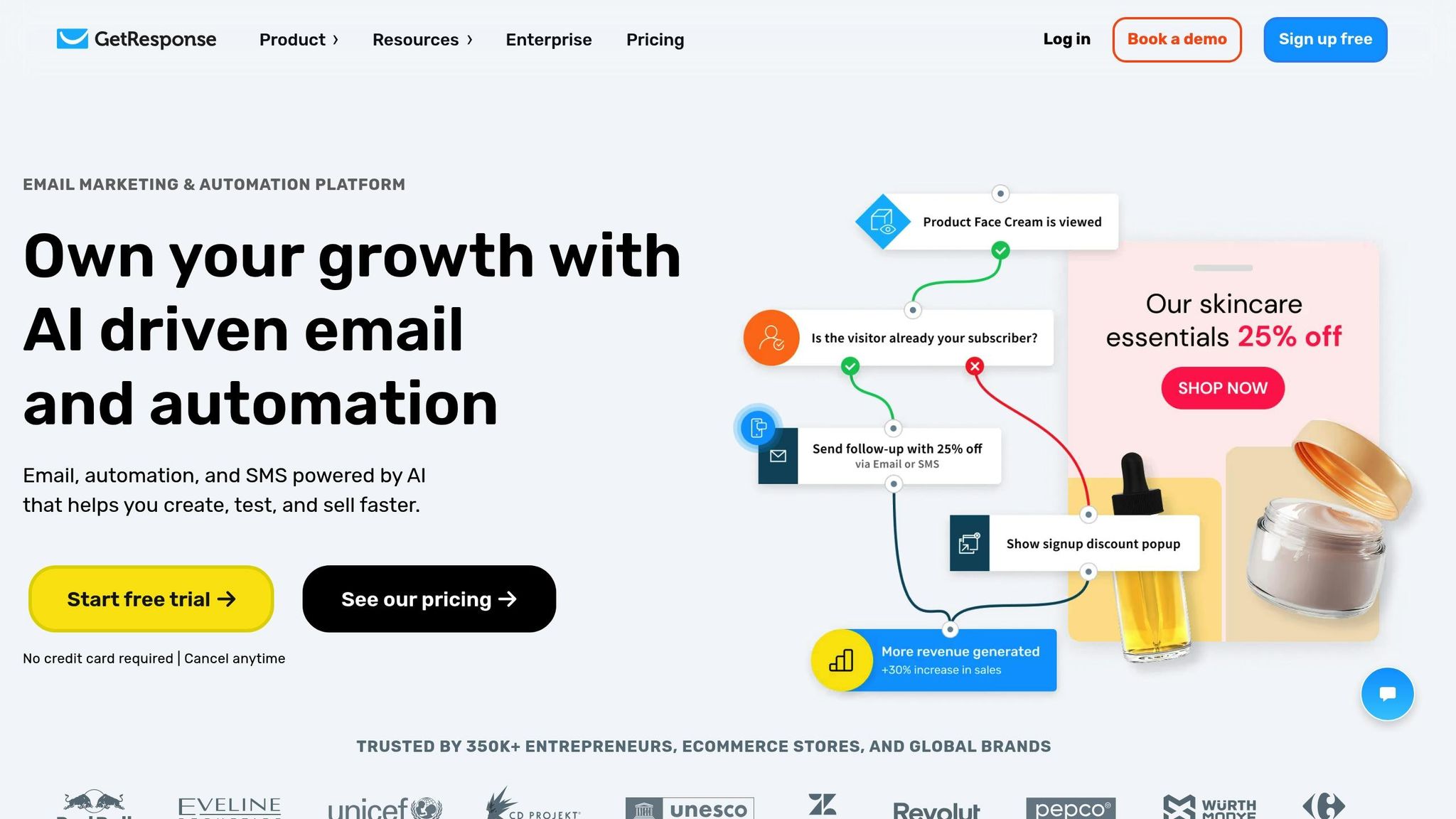
GetResponse started as an email marketing platform but has since evolved into a comprehensive tool that combines CRM, landing pages, webinars, and advanced automation. It’s particularly suited for small to mid-sized U.S. businesses and digital agencies aiming to grow through email-driven funnels and lead nurturing, rather than traditional sales pipelines.
One of its standout features is the visual automation builder, which enables users to design customer journeys with behavior-based branches - no coding required. Another unique aspect is its integration of webinar capabilities with email automation, setting it apart from other platforms.
CRM Model and Integration
GetResponse offers a lightweight CRM with features like pipeline visualization, deal stages, contact tagging, lead scoring, and activity tracking. Contacts are stored in a centralized database, allowing segmentation based on behaviors such as email interactions, landing page visits, or purchases, as well as demographic details.
The CRM pipeline is designed to move contacts through stages like "New Lead", "Qualified", or "Customer." Tasks can be assigned to team members, and actions such as moving deals between stages can trigger automated messages or tasks. For instance, when a lead is marked "Qualified" based on engagement scoring, GetResponse can send a personalized email or notify a sales rep to follow up.
GetResponse also integrates seamlessly with major CRMs, acting as a robust email automation hub. Its bidirectional sync ensures that engagement metrics, tags, and lifecycle stages flow back into the primary CRM, enabling deeper analysis.
Email Automation and Features
GetResponse excels in email automation, offering tools for CRM-style workflows like drip campaigns, behavior-based triggers, and dynamic content. Multi-step automations can be triggered by actions such as form submissions, webinar attendance, or purchases. Prebuilt templates for common scenarios - like welcome series, lead nurturing, re-engagement, and cart recovery - simplify setup.
For example, a B2B software company could use GetResponse to trigger a welcome series after a free trial signup. Subsequent emails would adapt based on engagement metrics. If a contact reaches a high engagement score, the system could notify a sales rep or move the contact into a "Hot Lead" stage in the pipeline.
The platform also includes a drag-and-drop email builder, mobile-friendly templates, A/B testing for subject lines and content, and detailed performance analytics. Additional tools like landing pages, sign-up forms, and popups help grow email lists. Advanced segmentation and dynamic content allow for highly personalized messaging based on tags, behaviors, or e-commerce data.
GetResponse supports omnichannel automation, combining email, web push notifications, and SMS into one dashboard. For e-commerce businesses, features like product recommendations, abandoned cart emails, and revenue tracking integrate seamlessly with platforms like Shopify and WooCommerce.
Third-Party Integrations
GetResponse connects with a wide range of third-party tools to enhance its CRM and email marketing functions. It works with popular CRMs like Salesforce, HubSpot, and Zoho CRM, as well as e-commerce platforms like Shopify, WooCommerce, and Magento. These integrations enable features like automated abandoned cart emails, purchase-triggered campaigns, and lifecycle messaging based on order history.
The platform also integrates with webinar tools like Zoom and GoToWebinar, payment processors such as PayPal and Stripe, and automation platforms like Zapier, which link it to hundreds of additional apps. This flexibility allows GetResponse to act as a central hub for marketing data, improving lead nurturing, segmentation, and reporting.
For instance, an online fitness business could connect GetResponse to Shopify and a booking platform. This setup might automatically tag new customers after their first purchase, launch a post-purchase upsell sequence, and sync purchase data back to a primary CRM like HubSpot. Tags and scoring in GetResponse can help identify high-priority leads, triggering timely handoffs to sales teams.
Pricing in USD
GetResponse uses contact-based pricing with three main plans, plus optional add-ons for features like transactional emails, additional users, and higher webinar attendee limits. Prices are in USD and annual billing typically offers discounts. A 30-day free trial lets teams explore core features before committing.
- Email Marketing plan: Starts at $19/month for up to 1,000 contacts, offering basic email features, autoresponders, segmentation, and landing pages.
- Marketing Automation plan: Starts at $59/month for up to 1,000 contacts, adding advanced automation workflows, event-based triggers, segmentation, contact scoring, and webinars for smaller audiences.
- Ecommerce Marketing plan: Starts at $119/month for up to 1,000 contacts, featuring tools like product recommendations, advanced automation, and higher webinar limits.
Pricing scales with list size, with thresholds at 2,500, 5,000, and 10,000 contacts. For businesses combining GetResponse with a full CRM like Salesforce or HubSpot, total costs can add up over time, so it’s worth evaluating long-term expenses. Compared to basic CRMs like Capsule or Nimble, GetResponse offers more robust automation and CRM tools. However, it lacks the deep sales functionality of platforms like HubSpot or Salesforce, making it better suited for teams focused on email-driven lead nurturing.
GetResponse is an excellent choice for small to mid-sized U.S. businesses - such as digital agencies, e-commerce stores, and B2B companies - seeking advanced email automation, landing pages, and webinar tools integrated with basic CRM features. For organizations requiring more extensive sales tools or customizations, GetResponse can still serve as a specialized solution for email funnels and webinar marketing, complementing a primary CRM.
For further comparisons, resources like the Email Service Business Directory can help businesses explore how GetResponse stacks up against other platforms and find agencies experienced in hybrid setups.
9. Moosend
When it comes to email marketing tools that prioritize affordability and automation over full CRM functionality, Moosend stands out. It's designed for businesses that need powerful email-driven marketing capabilities without the complexity - and cost - of a full-fledged CRM. Moosend is particularly popular with U.S. small and medium-sized businesses, including ecommerce stores, content publishers, and agencies. For companies already using a dedicated CRM, Moosend serves as a specialized email platform, integrating seamlessly through APIs, native connections, or middleware tools. It handles email campaigns and segmentation while leaving sales pipeline management to the primary CRM.
CRM Model and Integration
Moosend isn't a full CRM system. It skips advanced features like pipeline management, deal tracking, and in-depth sales reporting found in platforms like HubSpot and Salesforce. Instead, it focuses on essential contact management, tracking, and segmentation to power email marketing.
The platform integrates with popular CRMs like HubSpot, Salesforce, Pipedrive, and Zoho CRM, offering flexible connection options such as native integrations, APIs, or middleware tools like Zapier and Make. These integrations enable a two-way data flow. For example, when a deal progresses to a specific stage in your CRM, Moosend can trigger a follow-up email sequence. Similarly, when a contact displays high engagement or completes a purchase, that data can update the CRM. Imagine a B2B company using Pipedrive: new leads from Moosend forms can automatically sync to Pipedrive via Zapier. Once a deal is marked "Qualified", Moosend can kick off a personalized email series. This setup allows businesses to capitalize on Moosend's automation capabilities while maintaining their existing CRM workflows.
Email Automation and Features
Moosend's visual workflow builder makes creating automation sequences intuitive, even for non-technical users. You can set up complex, trigger-based workflows with conditional logic and dynamic content. Triggers might include actions like signing up for a list, making a purchase, abandoning a cart, clicking a link, or even time-based events. Conditional splits let you customize the journey based on customer behavior or specific attributes. Actions could involve sending personalized emails, updating contact details, adjusting list memberships, or even notifying team members about key activities.
Many U.S. businesses rely on Moosend for automations like welcome emails, abandoned cart recovery, post-purchase sequences, and behavior-based triggers that support lead scoring for sales teams.
The platform also includes a drag-and-drop email editor with a collection of mobile-responsive templates, enabling users to design polished emails effortlessly. Personalization is a key strength - users can insert recipient-specific details like names, locations, or purchase history into email content. Dynamic content blocks allow emails to display different products or messages tailored to specific customer segments.
Other features include A/B testing for subject lines and email content, helping teams refine their strategies before rolling out campaigns at scale. Real-time analytics track key metrics like open rates, clicks, bounces, unsubscribes, and device usage, giving businesses the insights they need to optimize their campaigns. Additionally, Moosend offers landing page and subscription form tools to help businesses grow their email lists.
Third-Party Integrations
Moosend integrates seamlessly with major ecommerce platforms like Shopify, WooCommerce, and Magento, syncing product catalogs, order details, and cart-related events. It also connects with CMS platforms like WordPress and supports form tools through plugins or custom API setups. Middleware tools like Zapier, Make, and Integrately expand its compatibility, linking Moosend to a wide range of CRMs, payment processors, and other SaaS tools. This flexibility allows Moosend to function as the central email hub in a broader marketing tech stack.
For example, a business might integrate Moosend with Shopify and a booking platform via Zapier to automate post-purchase follow-ups or send timely reminders.
Pricing in USD
Moosend uses a contact-based pricing model, offering all core features - like automation, unlimited emails, landing pages, and reporting - on its paid plans. It typically provides a free trial, allowing businesses to test its features and integrations before committing.
Pricing starts at around $10–$20 per month for up to 1,000 contacts, making it one of the more budget-friendly options for small U.S. businesses. As contact lists grow, costs scale accordingly, with mid-tier plans for larger lists reaching a few hundred dollars per month. For businesses with very large lists, volume discounts are available. Moosend's pricing remains competitive, especially for companies that need advanced automation without the high costs associated with full-service marketing platforms.
Moosend is a top choice for ecommerce stores, content publishers, and small businesses looking for advanced email automation and personalization without breaking the bank. It shines in areas like behavior-based workflows, cart recovery, and dynamic content, making it ideal for online retailers and subscription-based models. However, businesses that require a fully integrated CRM with robust sales pipeline management may find platforms like HubSpot, Salesforce, or ActiveCampaign better suited to their needs.
For those exploring Moosend, resources like the Email Service Business Directory can provide additional guidance on setup, migration, and campaign management options tailored to U.S. businesses.
10. Klaviyo
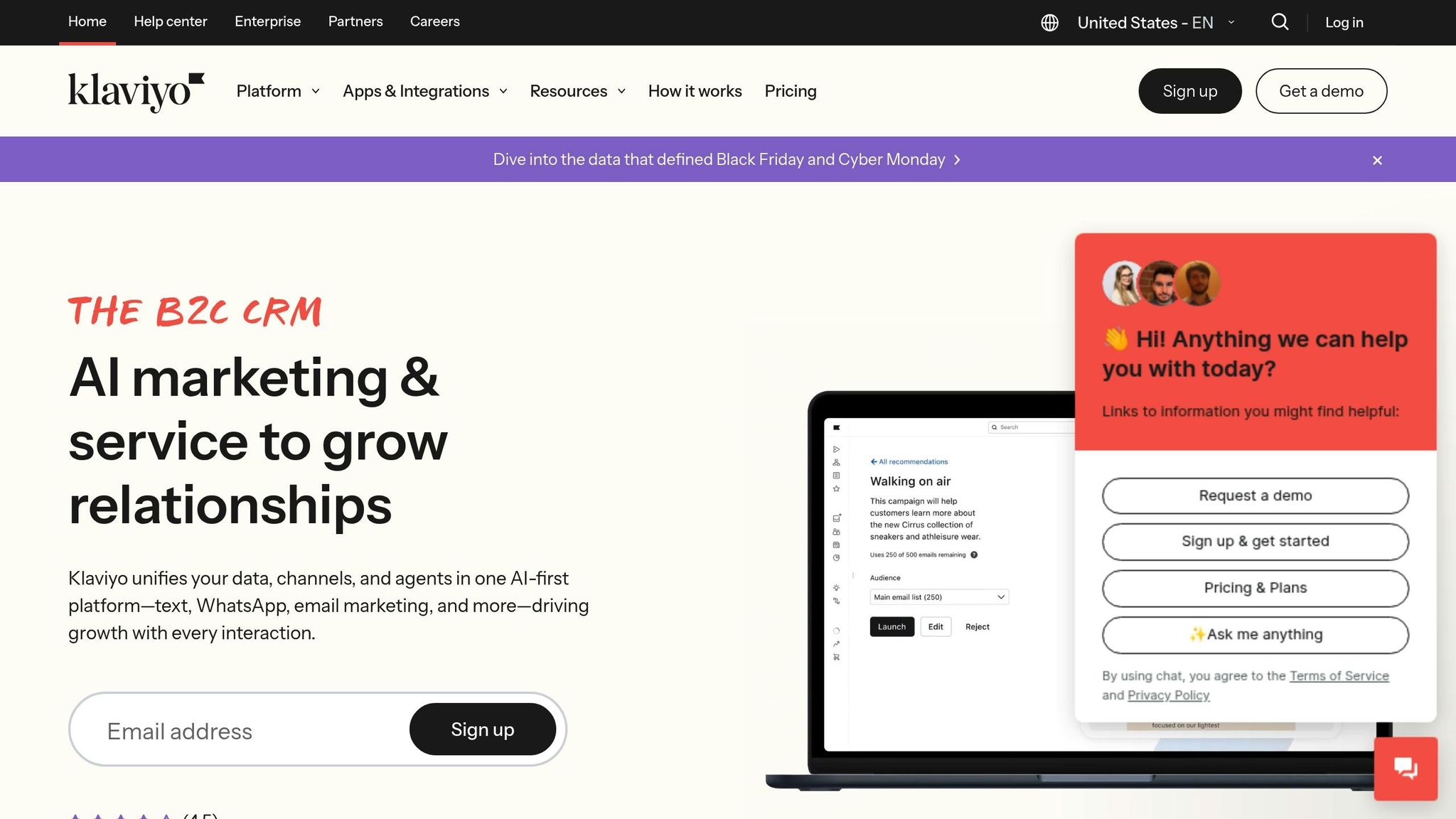
For e-commerce businesses looking for email marketing tailored to customer data and shopping behaviors, Klaviyo offers a specialized solution. Unlike general-purpose CRM platforms, Klaviyo is a customer data platform (CDP) built specifically for online retailers. It has become a popular choice among U.S.-based e-commerce stores, subscription box services, and direct-to-consumer brands that prioritize personalized communication over traditional sales pipelines. With an impressive 4.6 out of 5 rating, it’s a standout option for e-commerce email marketing, thanks to its advanced personalization tools.
CRM Model and Integration
Klaviyo isn’t a traditional CRM. Instead, it functions as a dedicated CDP focused on marketing automation. It collects and organizes customer data - like purchase history, browsing patterns, product preferences, and cart activity - and uses it to create highly targeted email campaigns. This seamless connection between customer data and email marketing ensures that businesses can deliver personalized experiences effortlessly. For example, Klaviyo can track when a customer browses products, abandons their cart, or makes a purchase, and then automatically use that data for segmentation and personalization.
For businesses already using a CRM for managing sales, Klaviyo often acts as a complementary tool, serving as the dedicated email marketing engine. It integrates smoothly with major e-commerce platforms like Shopify, WooCommerce, BigCommerce, and Magento. For instance, it can automatically sync customer actions from Shopify to power its automation features.
This tight integration is what enables Klaviyo’s advanced automation capabilities.
Email Automation and Features
Klaviyo’s automation tools are among the best in the industry. Its real strength lies in creating behavior-driven email journeys in real time. The platform includes a visual workflow builder that allows marketers to design detailed automation sequences using conditional logic, time delays, and dynamic content - no technical skills required.
Triggers for automation can include a variety of customer actions, such as signing up for emails, viewing specific product categories, adding items to a cart, or completing a purchase. Klaviyo’s segmentation engine makes it easy to target customers based on criteria like purchase frequency, average order value, or product preferences.
Personalization is central to Klaviyo’s approach. Dynamic content blocks can automatically adjust emails to show different products, images, or messages based on each customer’s profile. For example, product recommendation engines can suggest items based on browsing or purchase history, while emails might include personalized discount codes or content tailored to the customer’s stage in the buying journey.
In addition to email, Klaviyo also combines SMS marketing into the same platform, allowing businesses to run coordinated multi-channel campaigns. Real-time analytics go beyond standard metrics like open rates and clicks to include revenue attribution for each campaign and automation flow, offering a clear picture of performance.
Third-Party Integrations
Klaviyo’s integration ecosystem is designed to support e-commerce operations. It connects natively with platforms like Shopify, WooCommerce, BigCommerce, and Magento, ensuring effortless syncing of product catalogs, customer profiles, order history, and behavioral data.
The platform also integrates with tools like review services, loyalty programs, subscription management systems, and customer service software. For instance, pairing Klaviyo with a review tool like Yotpo allows businesses to automate post-purchase review requests via email, which can then be used in future marketing campaigns. Additionally, Klaviyo supports custom API integrations, making it possible for businesses with unique technical needs to link the platform with proprietary systems and build comprehensive customer profiles.
These integrations enhance Klaviyo’s ability to provide tailored solutions for online retailers.
Pricing in USD
Klaviyo’s pricing starts at $20 per month for up to 500 contacts, making it accessible for small e-commerce businesses just beginning to grow their email lists. As the number of contacts increases, the cost scales accordingly. Mid-sized businesses with several thousand contacts can expect higher monthly expenses, while enterprise plans are available with custom pricing for larger organizations. The pricing reflects the platform’s advanced e-commerce features, such as abandoned cart recovery, product recommendations, purchase-based segmentation, and detailed revenue tracking.
Klaviyo is a great fit for e-commerce businesses that need sophisticated email marketing tools driven by customer data and shopping behaviors. Its features - like personalized product recommendations, abandoned cart recovery, and lifecycle marketing - make it a strong choice for online retailers. However, businesses outside the e-commerce space or those in need of broader CRM functionality, such as sales pipeline management, may want to explore other platforms.
For tips on how to make the most of Klaviyo’s personalization features, resources like the Email Service Business Directory can be helpful.
11. Salesmate
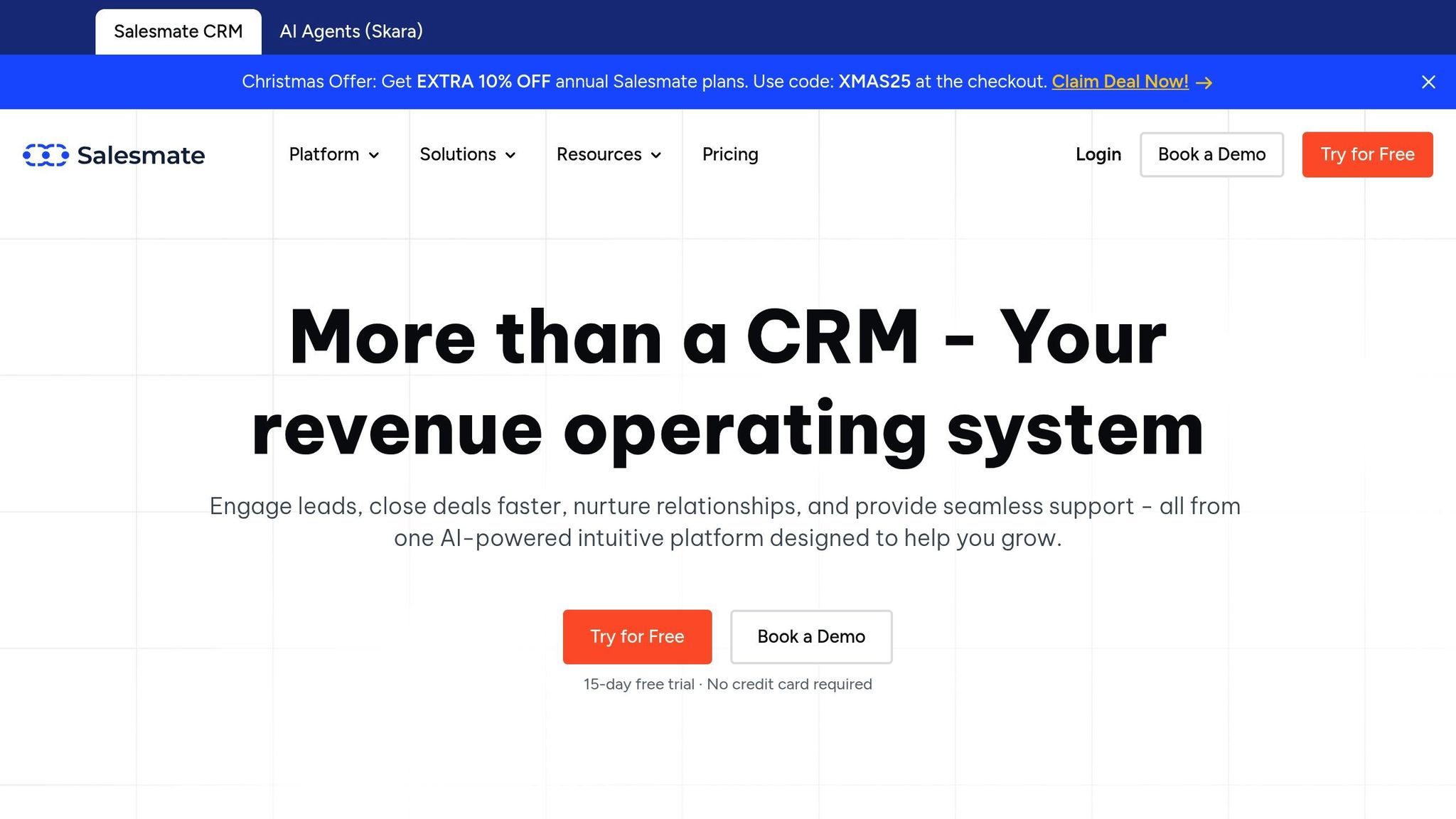
Salesmate is a great option for small to midsize businesses seeking a sales-focused CRM with built-in email marketing. Unlike tools that started as email platforms and later added CRM features, Salesmate was designed from the ground up for managing sales pipelines, tracking deals, and organizing activities. Email marketing and automation are seamlessly integrated, making it particularly useful for B2B sales teams, agencies, and professional service firms. These businesses can manage leads, run email campaigns, and monitor customer interactions - all without juggling multiple tools. Salesmate consistently earns strong ratings, typically between 4.5 and 4.7 out of 5, on major review platforms.
CRM Model and Integration
Salesmate operates as a sales-first CRM, with its core built around pipeline, deal, and activity management. Email capabilities are fully embedded into the CRM, ensuring that every email interaction is automatically logged in the contact's timeline. This unified view makes it easy for sales teams to track how prospects are engaging.
Key features include a shared inbox for team collaboration, email sequences for automated follow-ups, bulk email campaigns for newsletters, and email templates to standardize outreach. All of these tools are accessible directly from the CRM interface, so users don’t need to switch between systems. Real-time tracking of email opens, clicks, replies, and even attachment views provides complete visibility into customer interactions.
Salesmate also supports multichannel communication with calling and SMS features that integrate into its automation workflows. Teams can design customer journeys that combine emails, text messages, and tasks based on how leads and customers respond - streamlining communication across channels.
Email Automation and Features
Salesmate’s automation tools are designed to reflect real-world sales processes. Using visual workflows, teams can combine emails, SMS, and tasks into automated sequences. These workflows can be triggered by specific CRM events, like a deal advancing to a new stage, a contact opening an email, or a lead being assigned to a rep. This reduces the need for manual follow-ups and keeps sales processes running smoothly.
Email sequences are a standout feature, enabling multi-step campaigns for prospecting and follow-ups. For instance, you could send an introductory email, wait three days, send a follow-up if there’s no reply, and assign a task for a phone call. Personalization features, like merge tags for names and company details, ensure messages feel relevant and tailored.
For broader outreach, bulk email campaigns allow businesses to send newsletters or product updates. These campaigns include basic segmentation options based on contact details, tags, and engagement behaviors. While not as advanced as some larger marketing platforms, they’re sufficient for many small to midsize teams.
Salesmate also offers A/B testing for subject lines and content, helping teams optimize their emails. Analytics include open and click rates, click maps, and campaign performance reports - all tied to CRM records. This makes it easy to see which emails are influencing deals.
One unique capability is lead scoring and nurturing. Salesmate assigns scores to leads based on actions like email opens, link clicks, and website visits. High-scoring leads can automatically move to a "demo ready" stage, triggering follow-up tasks and helping teams focus on the most engaged prospects.
Compared to tools like ActiveCampaign or HubSpot, Salesmate’s automation is simpler, with fewer conditional branches and triggers. However, its sales-oriented design makes it a strong choice for teams that prioritize deal progression over complex marketing workflows.
Third-Party Integrations
Salesmate integrates with a wide range of productivity and marketing tools to complement its core features. Native integrations include Gmail, Outlook, Google Workspace, and Microsoft 365, ensuring email activity is synced and tracked within the CRM. This eliminates manual updates and provides a complete communication history.
For e-commerce businesses, Salesmate connects with Shopify and WooCommerce, syncing customer and order data. This enables personalized post-purchase emails and abandoned cart campaigns based on shopping behavior.
Marketing integrations include Facebook Ads, Google Ads, and LinkedIn Ads, allowing campaign data to flow back into the CRM for better lead tracking and segmentation. It also integrates with helpdesk tools like Zendesk and Freshdesk, offering a unified view of customer support interactions that can trigger follow-up emails.
For productivity, Salesmate works with tools like Google Calendar and Outlook for automated scheduling and follow-up emails. It also integrates with Slack for team notifications and QuickBooks for financial tracking. Through Zapier, Salesmate can connect to hundreds of additional apps, such as survey tools and payment gateways, enabling external events to trigger email workflows.
Pricing in USD
Salesmate offers tiered pricing with options for monthly or annual billing. Here’s a breakdown:
- Starter: $15–$23 per user per month, depending on billing frequency. This plan includes core CRM features like contact and deal management, basic email tools, and some automation.
- Growth: $30–$39 per user per month, adding email sequences, advanced workflows, a team inbox, and enhanced reporting - ideal for scaling teams.
- Boost/Business: $50–$60+ per user per month, offering advanced calling features, a power dialer, extended automation, and higher usage limits.
- Enterprise/Custom: Custom pricing tailored for larger organizations needing advanced controls, onboarding, and higher limits.
All plans include integrated email tools, with mid-to-upper tiers offering more advanced automation and multichannel communication features. Salesmate typically provides a 15-day free trial, so teams can explore its features before committing.
Compared to platforms like HubSpot and Salesforce, Salesmate is generally more budget-friendly for small and midsize teams. It’s also easier to set up. While it offers more sales-focused tools than email platforms like Mailchimp, it provides deeper multichannel communication capabilities than SMB CRMs like Pipedrive - without requiring as many add-ons.
Salesmate is a great fit for B2B sales teams and agencies looking to combine CRM and email marketing in one platform. Its focus on sales processes, automation, and multichannel communication makes it a practical choice for teams that want to manage pipelines and nurture leads without the complexity of enterprise solutions. For those exploring additional email marketing tools, the Email Service Business Directory is a helpful resource for comparing platforms and finding the right fit for specific needs.
12. SendPulse CRM
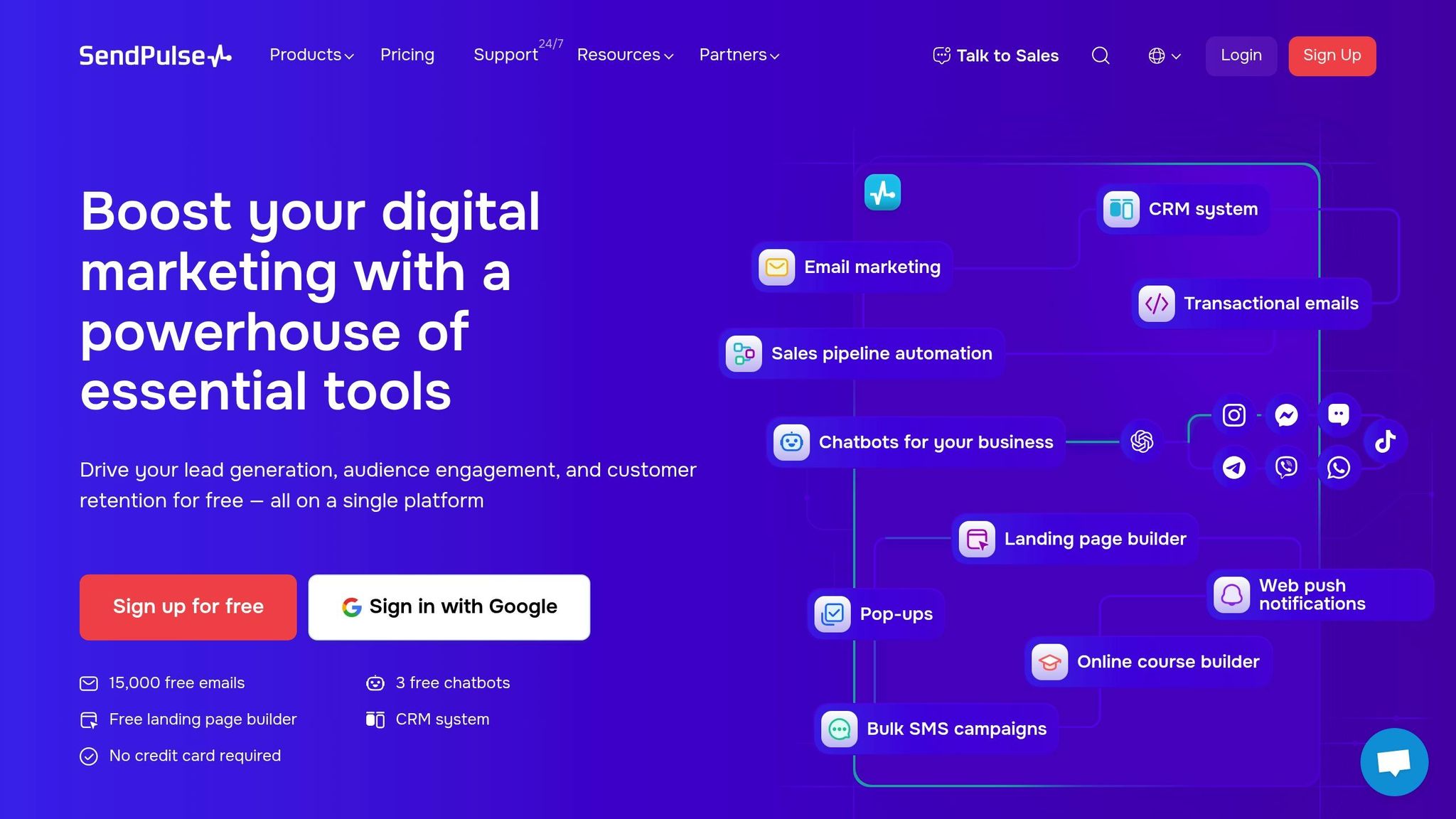
SendPulse is a multichannel marketing platform that brings together email, SMS, web push notifications, chatbots, and a lightweight CRM in one interface. Unlike platforms that began as CRMs and later added marketing tools, SendPulse started as a marketing automation suite with CRM features built in. This makes it especially appealing to small and midsize U.S. businesses looking for basic deal tracking and pipeline management alongside email campaigns - without the complexity or expense of enterprise systems. With user ratings of 4.5 to 4.6 out of 5 on review sites like Capterra and G2, it’s often praised for its affordability and ease of use. Its integrated design simplifies deal tracking and multichannel automation.
CRM Model and Integration
SendPulse operates as a deal- and pipeline-focused CRM, allowing users to set up custom pipelines, track deals through various stages, assign tasks, and view communication history - all from a single dashboard. The CRM integrates seamlessly with SendPulse's marketing tools, enabling contact data, tags, and deal stages to trigger or personalize campaigns across email, SMS, chatbots, and web push notifications.
Contacts gathered through forms, landing pages, or chatbots automatically sync into the CRM, and email engagement metrics like opens, clicks, and unsubscribes are logged for each contact. This creates a comprehensive view of subscriber activity, making it easier to segment audiences and assign follow-up tasks to sales reps.
A standout feature is its multichannel communication capabilities. Sales teams can send or schedule messages directly from contact or deal records and access the full interaction history within the CRM. For example, moving a deal to a new stage could automatically trigger a personalized email and a time-sensitive SMS reminder. Support teams can also use tools like WhatsApp or chatbots on Facebook Messenger and Telegram to handle inquiries or renewals. This blend of traditional email nurturing with instant channels like SMS is ideal for businesses managing appointment reminders, delivery updates, or limited-time offers.
That said, the CRM is more streamlined compared to platforms like Salesforce or HubSpot. It’s designed for straightforward sales processes, focusing on pipelines, tasks, and basic deal tracking. Businesses needing advanced sales forecasting, complex account structures, or highly customizable workflows may find it better suited as a marketing automation layer rather than a primary CRM.
Email Automation and Features
SendPulse’s email automation is powered by Automation 360, a visual tool that lets users design multi-step workflows combining email, SMS, web push notifications, and chatbot messages. These workflows can be triggered by actions like form submissions, purchases, or changes in CRM pipeline stages, making it easy to set up welcome series, lead-nurturing flows, and re-engagement campaigns.
Examples include automated follow-ups for stalled deals, onboarding sequences for new leads, and win-back campaigns for inactive prospects. Pre-built templates for common scenarios - such as welcome emails, abandoned cart reminders, and purchase confirmations - can be customized to meet specific needs. Behavior-based triggers like "opened but didn’t click" or "visited the pricing page" can move deals to the next CRM stage and notify sales reps, cutting down on manual follow-ups.
The platform also offers A/B testing for subject lines and email content, along with dashboards to track performance metrics like opens, clicks, conversions, and e-commerce revenue. AI-powered tools assist with subject line suggestions and content personalization based on subscriber behavior. While not as advanced as the automation features in tools like ActiveCampaign or HubSpot’s higher tiers, SendPulse’s setup is intuitive and well-suited for smaller teams that need a quick and easy way to get started.
SendPulse is also frequently noted for its high deliverability rates and strong inbox placement, ensuring marketing messages reach their intended audience. Its drag-and-drop email editor is user-friendly, even for those without technical experience.
Third-Party Integrations
SendPulse integrates with popular website builders, content management systems, and e-commerce platforms to streamline lead capture and sync customer data into its CRM and email lists. Supported integrations include WordPress, WooCommerce, Shopify, and Zapier, making it easy to sync purchases, abandoned carts, and form submissions into both email campaigns and CRM pipelines.
For businesses with more specific needs, SendPulse supports API and webhook connections. This allows companies to link their in-house systems, booking tools, or other software and use incoming data to trigger automated email workflows or update deal stages. Integration platforms like Zapier can connect SendPulse with payment processors, webinar tools, or even other CRMs for businesses transitioning gradually.
While its integration options aren’t as extensive as those of Mailchimp or HubSpot, they cover the essentials for most small and midsize businesses. For more complex setups, developer assistance may be needed to implement custom API connections.
Pricing in USD
SendPulse uses a tiered pricing model based on subscriber count and message volume, offering a free or low-cost entry point for smaller lists and scaling up for larger databases. The CRM is included as part of the broader SendPulse ecosystem rather than being sold as a separate license, keeping costs manageable for U.S. businesses.
- Free Plan: Supports up to 500 subscribers with a monthly send cap of around 15,000 emails, including basic campaigns and some automation. Ideal for startups or very small businesses testing the platform.
- Email Marketing Plans: Start at $6–$8 per month for 500–1,000 subscribers, with costs increasing as the list grows. These plans include email campaigns, automation, and CRM features.
- Bundled Plans: Starting under $20 per month, these plans include email, web push notifications, SMTP, and CRM tools for small lists.
- Additional Channels: SMS, SMTP, and chatbot features may come with separate usage-based fees. For instance, SMS is billed per message, and chatbot pricing depends on the number of bots and subscribers.
Compared to platforms like HubSpot and Salesforce, SendPulse offers a lower overall cost for small and midsize businesses, as pricing is primarily based on contact and message volume rather than per-user CRM licenses. However, its CRM capabilities are more basic, lacking the advanced tools and integrations found in larger platforms. This makes it a great choice for businesses seeking an all-in-one solution to get started, though it may not be ideal as a long-term enterprise system.
SendPulse is a practical option for small to midsize U.S. businesses looking for a simple and budget-friendly platform that combines CRM and email automation. Its multichannel messaging features and easy setup make it especially useful for agencies, small e-commerce shops, local service providers, and B2B teams with straightforward sales processes. For those researching additional email marketing tools, the Email Service Business Directory offers a helpful comparison of SendPulse and other platforms based on pricing, automation, and integrations.
Strengths and Weaknesses
Here's a clear comparison of each tool's strengths and weaknesses to help you find the best match for your needs. The table below highlights the core features, pricing, and pros and cons of each platform.
| Tool | Best For | CRM Strength | Email Automation | Integration Ecosystem | Entry Pricing (USD/month) | Main Pros | Main Cons |
|---|---|---|---|---|---|---|---|
| HubSpot CRM + Marketing Hub | SMBs to mid-market B2B | Comprehensive CRM with pipelines, deals, and reporting | Visual workflows, lead nurturing, and behavioral triggers | Hundreds of integrations (Shopify, Salesforce, ad networks) | Free CRM; Marketing Hub starts at ~$20.00 (Starter) | Unified platform for sales, marketing, and service; strong free tier; reliable automation | Costs rise quickly with more contacts and users; limited email features on lower tiers |
| Salesforce + Marketing Cloud / Account Engagement | Enterprise and large B2B organizations | Highly customizable CRM with sales, service, and analytics | Advanced journey-based automation and multichannel workflows | Extensive integrations via AppExchange and APIs | Sales Cloud starts at $25.00/user; Marketing Cloud from ~$1,250.00 | Exceptional CRM depth; ideal for complex enterprise workflows | Expensive; steep learning curve; complex setup |
| ActiveCampaign | B2B sales teams and growing SMBs | Integrated CRM with deal pipelines and lead scoring | 900+ workflow templates, multi-step funnels, and conditional logic | 900+ integrations (Shopify, WooCommerce, Zapier) | Starts at ~$29.00 (Plus plan, 1,000 contacts) | Advanced automation and lead nurturing; wide integration options | Steep learning curve for beginners; advanced features require higher-tier plans |
| Zoho CRM Plus + Zoho Campaigns | Budget-conscious SMBs and startups | Affordable CRM with pipeline management and multichannel tools | Decent templates and automation options | Broad Zoho ecosystem (Books, Desk, Projects) | CRM from ~$14.00/user; Campaigns from ~$3.00 (500 contacts) | Cost-effective; customizable; great for Zoho users | Less sophisticated email and automation features; UI feels less polished |
| Mailchimp | Small businesses, ecommerce shops, and content creators | Audience management with tagging and customer journeys | Basic journeys, abandoned cart emails, and simple drips | 300+ integrations; strong ecommerce and website builder support | Free for up to 500 contacts; Essentials starts at ~$13.00 (500 contacts) | Easy drag-and-drop editor; high delivery rate; AI-assisted content creation | Limited for sales teams; advanced features require higher-priced plans; costs increase as lists grow |
| Brevo (Sendinblue) | Startups and small businesses on a budget | Simple CRM with contact and deal tracking | Automation, segmentation, and A/B testing | Moderate integrations (Shopify, WooCommerce, WordPress, Zapier) | Free for up to 300 emails/day; Starter from ~$25.00 (20,000 emails) | Affordable; pay-as-you-go pricing; multichannel options (email, SMS, chat) | Limited email templates; CRM features aren't ideal for advanced users |
| Constant Contact | Nonprofits, local businesses, and event marketers | Contact management with list segmentation | Simple automation for welcome series and reminders | Integrates with ecommerce platforms, website builders, and some CRMs | Starts at ~$12.00 (500 contacts) | User-friendly; strong support for small businesses; great for event marketing | Limited automation and CRM depth; price-to-feature ratio lags behind newer competitors |
| GetResponse | Marketers needing funnels, webinars, and automation | Basic CRM with pipelines | Good automation builder with funnels, webinars, and landing pages | Moderate integrations (Shopify, PayPal, Salesforce, Zapier) | Starts at ~$19.00 (Email Marketing, 1,000 contacts) | All-in-one solution for funnels and webinars; affordable for the features offered | CRM isn't as developed; better suited for marketers than sales teams; some users find the UI complex |
| Moosend | Budget-conscious small businesses and startups | Basic contact management and behavior tracking | Simple workflows and ecommerce automations | Smaller integration library; Zapier available | Free for up to 1,000 subscribers; Pro from ~$9.00 (unlimited emails, 500 contacts) | Low cost; easy to use; good templates for ecommerce | Limited CRM capabilities; fewer integrations; less suitable for complex B2B needs |
| Klaviyo | Ecommerce and DTC brands | Customer data platform with marketing focus | Advanced ecommerce automation (purchase history, predictive analytics) | Native integrations with major ecommerce platforms | Free for up to 250 contacts/500 emails; paid plans start at ~$20.00 (251–500 contacts) | Excellent for ecommerce personalization and segmentation | Pricing increases quickly with list size; less suitable for non-commerce B2B |
| Salesmate | Sales teams needing CRM with email outreach | Sales-focused CRM with pipelines, email tracking, and sequences | Email sequences and automation for outreach | Integrates with Zapier, Mailchimp, Slack, Google Workspace, and Outlook | Starts at ~$12.00/user (Starter) | Strong sales pipeline and calling features; affordable for sales teams | Limited email marketing features; fewer advanced marketing automation tools |
| SendPulse CRM | Small businesses wanting multichannel tools (email, SMS, web push, chatbots) | Built-in contact and deal management | Visual workflows combining email, SMS, web push, and chatbots | Integrates with WordPress, WooCommerce, Shopify, and Zapier | Free for up to 500 subscribers; email plans from ~$6.00–$8.00 (500–1,000 contacts) | Affordable; multichannel platform; high deliverability; intuitive drag-and-drop editor | Basic CRM and automation; UI and reporting lack depth; not ideal for enterprise-level needs |
This breakdown provides a quick way to identify which CRM and email marketing tool aligns with your business goals and budget.
Conclusion
Choosing the right CRM email marketing tool boils down to matching its features with your business needs, team size, and technical expertise. These platforms vary widely in their complexity, pricing, and best use cases.
If you're part of a small business or startup with a budget under $100 per month, tools like Brevo, Mailchimp, Constant Contact, Zoho CRM Plus, and Moosend are excellent starting points. They offer drag-and-drop builders, ready-to-use templates, and basic analytics - perfect for launching welcome emails or simple drip campaigns without needing technical expertise. Plus, their free or low-cost plans make it easy to test automation while keeping expenses low.
For growing SMBs and B2B service providers, tools that combine CRM pipelines with email automation are key. Platforms like ActiveCampaign, Zoho CRM Plus with Zoho Campaigns, GetResponse, and Salesmate strike a balance between functionality and ease of use. These tools support more advanced customer journey mapping, making them ideal for mid-sized teams. While setup may take a few weeks and require some onboarding investment, they centralize customer data, helping you measure ROI more effectively.
Ecommerce brands and DTC retailers should focus on platforms with strong store integrations and behavior-driven triggers. Klaviyo stands out for its ability to handle customer data and seamlessly integrate with major ecommerce systems. It excels at automating abandoned cart reminders, product recommendations, and post-purchase emails. Other great options include ActiveCampaign, HubSpot, GetResponse, and Mailchimp, especially if you need a blend of CRM and email automation for your online store.
For mid-market and enterprise organizations, scalability and advanced features are critical. Platforms like Salesforce with Marketing Cloud or Account Engagement, HubSpot (higher tiers), and ActiveCampaign (upper plans) deliver capabilities such as lead scoring, account-based marketing, multi-touch attribution, and multi-channel campaigns. These tools are built for organizations with longer sales cycles and complex operations, but they require significant budgets - ranging from several hundred to thousands of dollars per month - and dedicated resources for setup and ongoing management.
Your team's technical expertise also plays a big role in the decision. If you're a solo marketer or have limited experience with marketing automation, stick to user-friendly platforms like Mailchimp, Brevo, Constant Contact, or Moosend. These tools prioritize simplicity with guided templates and intuitive interfaces. On the other hand, experienced teams comfortable with advanced workflows will benefit more from platforms like HubSpot, ActiveCampaign, Salesforce, or Klaviyo, which offer deeper automation and segmentation options but come with a steeper learning curve.
To make the decision easier, follow this framework:
- Define your business goals and estimate your contact volume to project costs.
- Identify must-have features, such as CRM integration, ecommerce compatibility, visual automation builders, SMS capabilities, or transactional email support.
- Check how well each tool integrates with your existing systems - like your store platform, help desk, or ad channels.
- Plan for implementation, including timelines and team training.
Before fully committing, run trials with 1–2 key workflows. For instance, a five-person B2B agency could test Zoho CRM Plus or Brevo to manage basic CRM tasks and email campaigns for under $100 per month, improving follow-up speed within weeks. Meanwhile, a DTC apparel brand might choose Klaviyo or ActiveCampaign to launch behavior-based campaigns, such as browse abandonment emails, that increase revenue per email and boost repeat purchases. A larger SaaS company with 200+ employees could standardize on HubSpot or Salesforce with Marketing Cloud to unify sales and marketing data, enabling complex onboarding and account-based campaigns.
Most platforms are priced in USD and cater to U.S.-based businesses, but total costs will depend on factors like contact count, feature tier, and user licenses. Make sure your chosen tool complies with CAN-SPAM regulations, integrates smoothly with U.S. ecommerce and payment systems, and offers local support during U.S. hours. For businesses targeting U.S. audiences, consider platforms that allow for region-specific targeting, such as segmenting by state, time zone, or local holidays, to boost engagement.
If you're still exploring options or need expert guidance, the Email Service Business Directory is a valuable resource. It lets you compare top email marketing platforms, CRM tools, and service providers all in one place. You can use it to find niche solutions, validate alternatives, or connect with specialists for migration, integration, and campaign strategies.
Email marketing offers excellent ROI, making it essential to pick the right tool. The right CRM email marketing platform won't just help you send emails - it will strengthen customer relationships, automate tedious tasks, and drive consistent revenue growth over time.
FAQs
What should small businesses look for in a CRM email marketing tool?
When picking a CRM email marketing tool, small businesses need to focus on a few essential factors to find the right fit. Ease of use should be at the top of the list - choose a platform with a simple, user-friendly interface that doesn’t require a steep learning curve.
Another key consideration is scalability. Your tool should be able to grow alongside your business, handling more contacts and campaigns as your needs expand.
Take a close look at the features available. Tools with automation, segmentation, and analytics can help you streamline your marketing efforts and track results effectively. Pricing is equally important - compare costs carefully, keeping an eye out for any hidden fees, to ensure the tool aligns with your budget.
Lastly, don’t overlook user reviews and support options. A tool with reliable customer service and positive feedback from other users can make a big difference in your overall experience.
How do the pricing models of CRM email marketing tools impact their affordability for businesses of different sizes?
The cost of CRM email marketing tools can differ significantly, often based on factors like user count, email volume, and included features. For small businesses, tiered pricing or entry-level plans can provide an affordable way to manage email campaigns without breaking the bank. On the flip side, larger businesses might find value in scalable options packed with advanced features to support higher email volumes and more intricate workflows.
When assessing affordability, don’t just focus on the base price. Consider potential extra costs, such as fees for additional users, premium features, or integrations. Aligning a tool’s pricing model with your business needs is key to making sure you’re getting the most out of your investment.
How do CRM email marketing tools for e-commerce differ from those designed for B2B companies?
CRM email marketing tools cater to different needs depending on the type of business. For e-commerce businesses, the focus is often on features like abandoned cart emails, personalized product recommendations, and discount campaigns. These tools integrate seamlessly with online stores, making it easier to track metrics like purchase history and customer behavior, all while driving sales and improving the shopping experience.
For B2B companies, the priorities shift toward lead nurturing, account-based marketing, and managing longer sales cycles. These tools usually offer advanced segmentation, automated follow-ups, and support for multi-touch campaigns. The goal is to build and maintain relationships with decision-makers over time, addressing the unique complexities of the B2B sales process.
The right CRM email marketing tool for your business will depend on your specific model and objectives, as each type is designed to tackle distinct challenges and opportunities.