Creating emails that look great on any device can be a challenge, especially with mobile now driving 60% of email engagement. Free responsive email design tools simplify this process, offering features like drag-and-drop editors, pre-tested templates, and mobile-friendly layouts. These tools save time, improve design quality, and boost click-through rates without requiring coding skills.
Here’s a quick look at 10 tools that help you design professional, responsive emails for free:
- Strikingly Email Builder: Drag-and-drop editor with mobile-friendly code.
- Canva Email Designer: Visual editor with 1.6M+ templates, ideal for embedding designs into email platforms.
- Mailchimp Email Templates: Mobile-friendly templates with customization options.
- Beehiiv Free Editor: Simple newsletter-focused tool with real-time previews.
- Campaign Monitor Free Templates: Templates built for mobile compatibility and easy export.
- MailerLite Drag & Drop Builder: User-friendly editor with AI writing assistance.
- Brevo (Sendinblue) Design Tool: Drag-and-drop builder with mobile optimization settings.
- Email on Acid Free Templates: HTML templates tested for mobile and desktop compatibility.
- Litmus Free Resources: Responsive templates with tools for email client testing.
- MJML Framework: Open-source, code-based tool for developers to create responsive emails.
These tools cater to different needs, whether you're a beginner looking for simplicity or a developer seeking full control. They help ensure your emails look polished across devices, saving time and improving campaign performance.
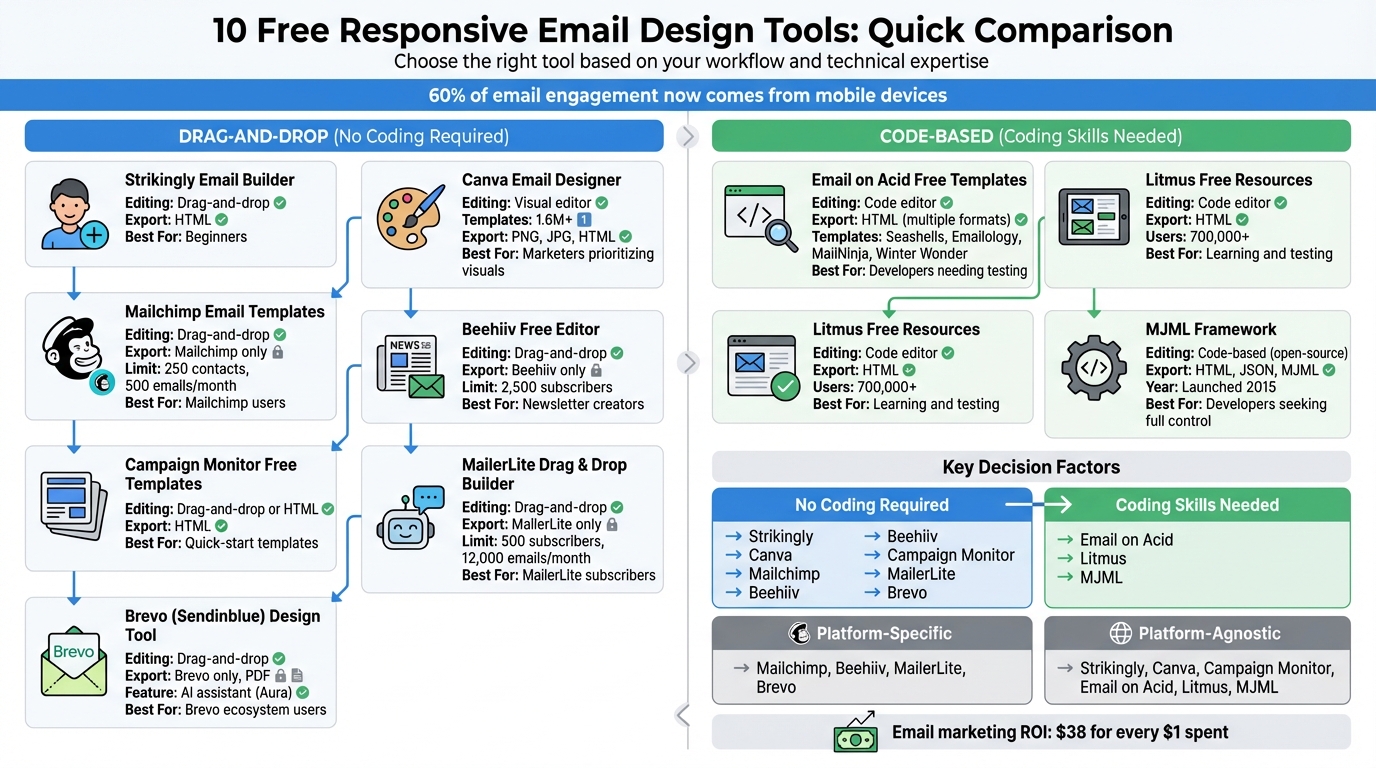
Comparison of 10 Free Responsive Email Design Tools: Features and Best Use Cases
How to Create Responsive Email Templates + Convert Outlook Templates to HTML
When building these templates, it is also important to assess email platform compatibility to ensure your designs render correctly across different providers.
sbb-itb-6e7333f
1. Strikingly Email Builder
Strikingly's email builder makes creating responsive emails straightforward with its drag-and-drop interface. This tool automatically generates mobile-friendly code, making it easy to ensure your emails look great on any device. No coding skills? No problem - just arrange your content, and you're good to go.
Responsive Design Compatibility
The builder relies on CSS media queries to transform fixed-width elements into layouts that adapt seamlessly to smaller screens. For email clients that don't support these queries, like some Gmail and Outlook versions, it uses hybrid design techniques to maintain a consistent appearance. This approach blends technical precision with an intuitive interface.
Ease of Editing
The editor is designed with simplicity in mind. You can drag and drop text, images, and buttons wherever you need them - no technical expertise required. Plus, the interface ensures your design adjusts automatically for different screen sizes.
Free Plan Limitations
While Strikingly offers a range of features for free, the specifics of the free plan aren't entirely clear. It's worth testing the free tier to see if it meets your needs for creating responsive emails.
2. Canva Email Designer
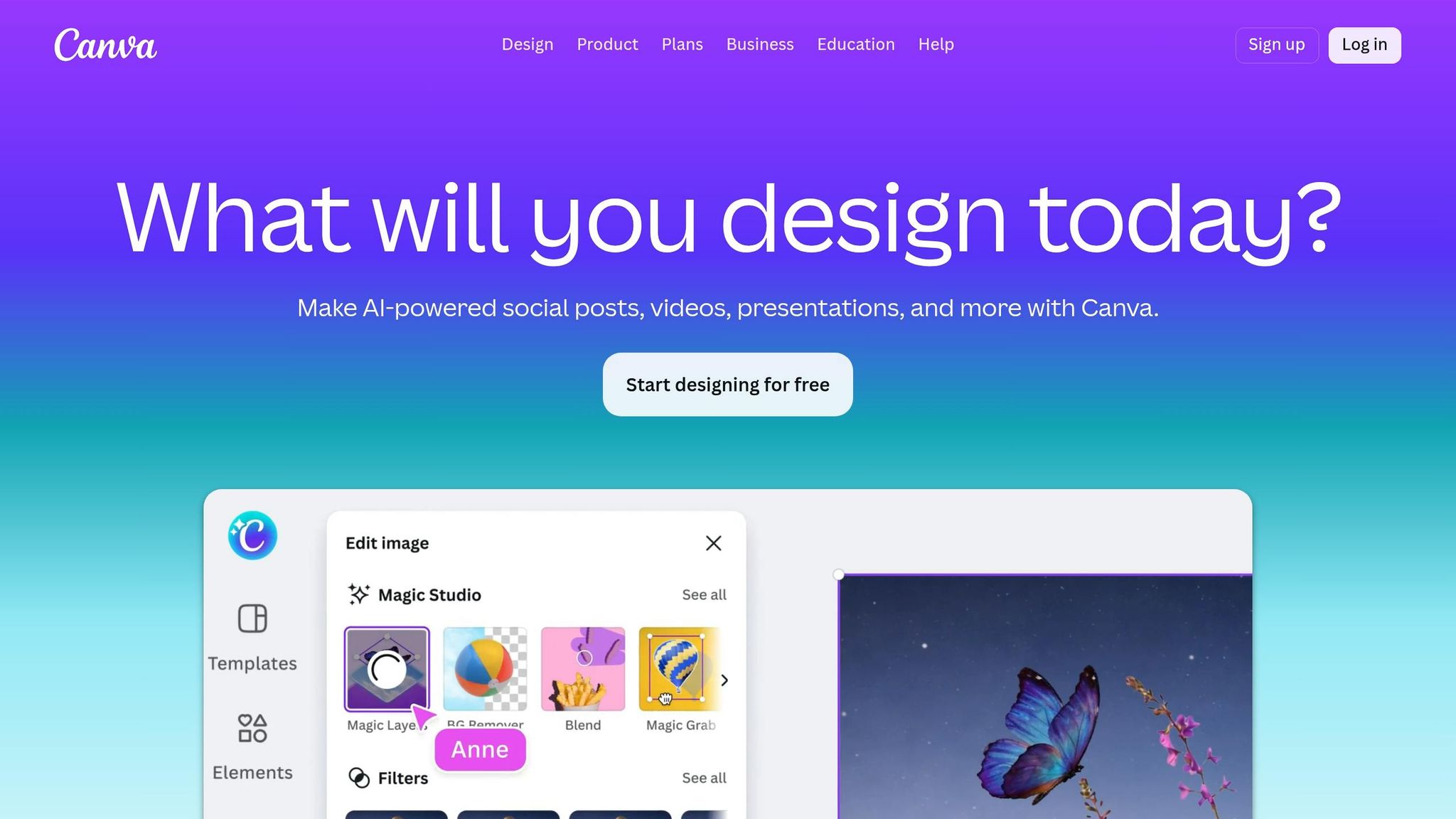
Canva simplifies email design with its drag-and-drop interface and a collection of over 1.6 million templates available on the free plan. Sticking to responsive design principles, Canva automatically transforms multi-column desktop layouts into single-column formats for mobile devices using CSS media queries. Plus, its buttons and links are optimized for touchscreens, which helps minimize accidental taps on mobile.
Export Options
While Canva doesn't export native HTML files, it allows you to save designs as high-quality PNG or JPG files. These can then be embedded into your email service provider's (ESP) templates. Canva also integrates directly with popular ESPs like Mailchimp, HubSpot, and Constant Contact, making the process a bit smoother.
Ease of Editing
The drag-and-drop editor gives you access to an impressive library of 4.7 million media assets, making it easy to tweak designs for various layouts. However, since Canva's interface is primarily built for general graphic design, you may need to manually fine-tune your email designs for optimal display on different screen sizes.
Free Plan Limitations
Canva's free plan comes with 5GB of storage, limited AI usage (200 Standard or 20 Premium uses per month), and a single Brand Kit with only three colors. Features like Magic Resize aren't included, requiring you to manually adjust designs for mobile and desktop. While the free plan offers convenience, these limitations might be a consideration for more advanced email design needs.
3. Mailchimp Email Templates
Mailchimp’s free plan offers a selection of email templates that are straightforward but effective. These templates, built with mobile-friendly HTML, ensure your emails look polished across devices - whether it’s a smartphone, tablet, desktop, or laptop. And considering that about 80% of users will delete an email if it doesn’t display well on their mobile device, this feature is a must-have.
Responsive Design Compatibility
Mailchimp’s "New Builder" takes responsive design to the next level. It allows you to customize the appearance of your emails separately for desktop and mobile. You can tweak specific content blocks - adjusting alignment, padding, and margins - without impacting the overall design. Want a multi-column layout? You can create up to four columns, and they’ll automatically adjust to fit any screen size. Plus, you can preview your design on both desktop and mobile before hitting send. This level of flexibility makes it easier to create emails that look great no matter how your audience views them.
Export Options
Mailchimp also provides an option to export templates as HTML files through the "More options" menu on the template dashboard. However, if you want to import or create custom HTML templates, you’ll need to upgrade to the Standard plan or higher. Free users can still share templates using the platform’s built-in sharing feature, but they’re limited to working within the drag-and-drop interface.
Free Plan Limitations
While Mailchimp’s free plan includes some handy features, it does come with restrictions. You’re limited to 250 contacts and can send up to 500 emails per month, with a daily cap of 250. If your contact list exceeds 250, Mailchimp will pause all sending - including test emails - until you either upgrade or reduce your list size. Keep in mind that all types of contacts - subscribed, unsubscribed, and non-subscribed - count toward this limit, so regular list maintenance is crucial. Additionally, free users are required to include Mailchimp branding on their emails, can’t schedule campaigns in advance, and are limited to basic automations like a single welcome email.
4. Beehiiv Free Editor
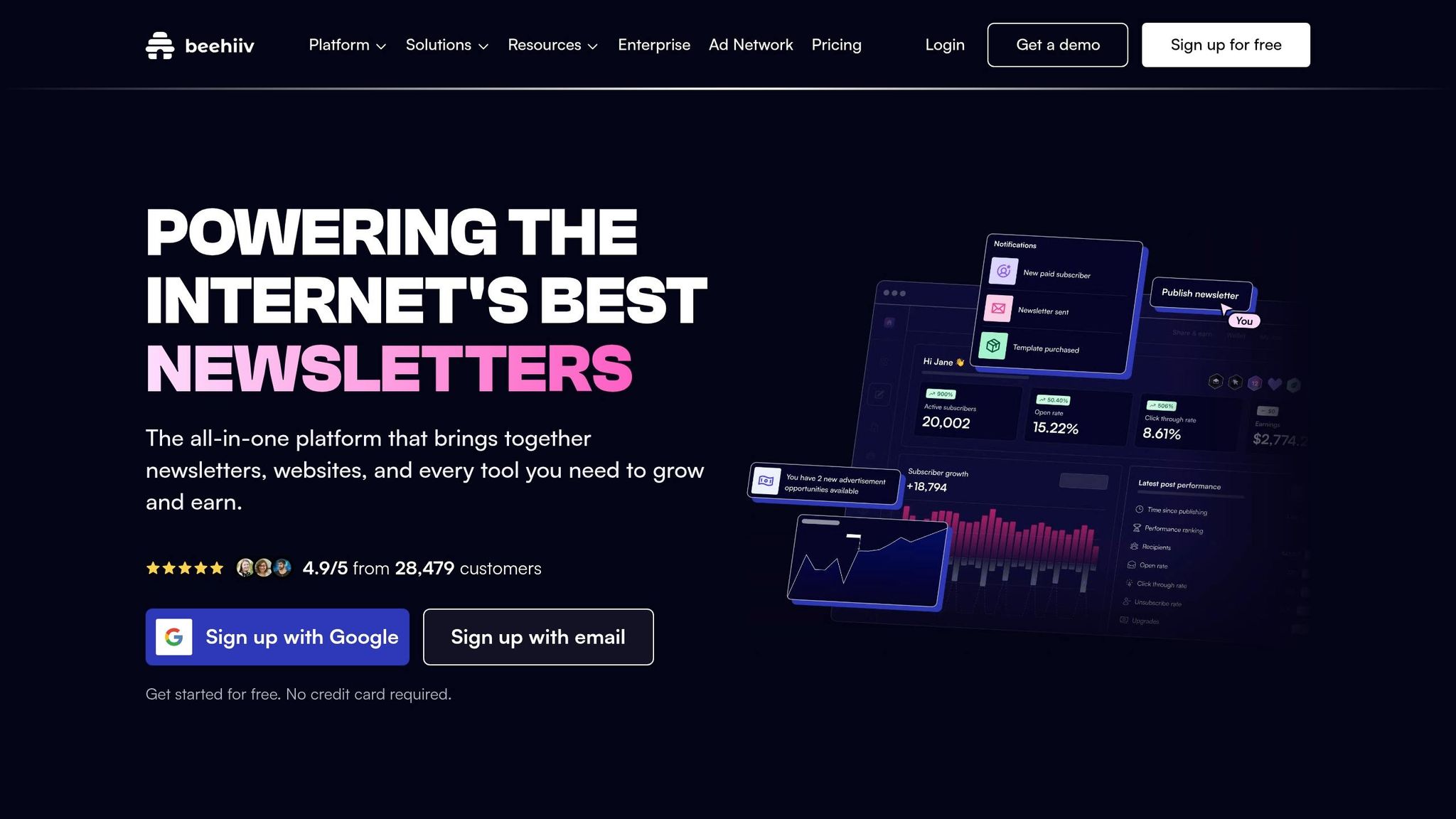
Beehiiv is a solid choice for creating responsive emails, especially for newsletter creators. Launched in 2021, it offers a no-code editor that emphasizes high-quality design and ease of use. The platform ensures your email layouts look great on any device. As Mady Maio, Founder of Camber App, explains:
"beehiiv is a very easy, drag-and-drop, templatized way to create a newsletter".
Responsive Design Compatibility
Beehiiv's editor handles responsiveness automatically. Multi-column layouts for desktops are converted into single-column designs for mobile devices without any extra effort. You can preview your email in both desktop and mobile formats in real time, allowing you to see exactly how it will appear before sending. Using CSS media queries, the tool adjusts images and text to ensure everything looks and reads well. With over 50% of emails being opened on mobile devices, this feature saves creators a lot of time and ensures a polished look across platforms.
Ease of Editing
The editor is designed for simplicity while still offering flexibility. You can easily tweak fonts, colors, and spacing without touching a single line of code. Dan Koe, CEO of Kortex, shared his experience:
"With beehiiv, I was able to get my simple, clean newsletter that matches my website, so the branding is cohesive".
For users who prefer more control, the editor also allows custom HTML and CSS integration. Additionally, Beehiiv includes AI-powered tools to help you craft headlines and fine-tune your content's tone. These features make it easier and faster to create professional-looking email campaigns, helping you address common email marketing platform questions regarding design and functionality.
Export Options
Beehiiv supports exporting data in .csv format, covering both post content and subscriber information. When exporting subscribers, you can choose between a "Quick" export for basic details or a "Full" export that includes custom fields and stats. However, it's worth noting that download links for exports expire after 24 hours, so you'll need to act promptly. This straightforward export process helps streamline campaign management.
Free Plan Limitations
Beehiiv's free "Launch" plan is ideal for small but growing newsletters, supporting up to 2,500 subscribers. This makes it a strong contender among the best email marketing platforms for small business looking for cost-effective growth. It allows you to manage both web-based blog and email publishing from a single dashboard, and you can even use a custom domain. However, some advanced features, like exporting poll data, are reserved for paid plans. Still, the free tier offers plenty of functionality for those focused on creating responsive and visually appealing newsletters.
5. Campaign Monitor Free Templates
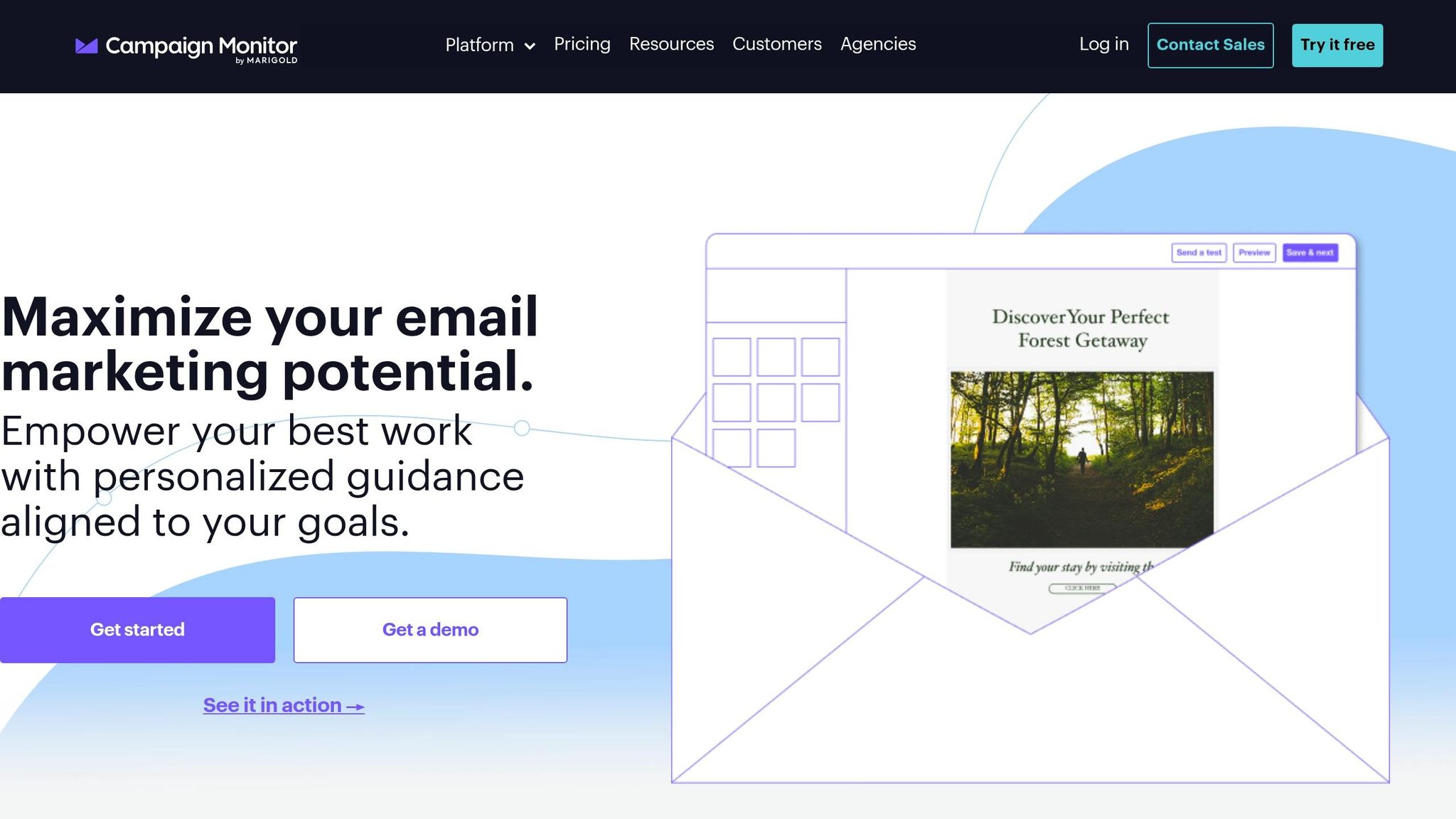
Campaign Monitor offers a free email template builder designed to create mobile-friendly, professional layouts. T.J. Pike, Sr. Director of Digital Experience at America's Car-Mart, highlighted its value:
"Tools like Campaign Monitor have provided America's Car-Mart with an affordable solution to engage audiences effectively"
Responsive Design Compatibility
All templates are built to be responsive, ensuring your emails look great on any device. The "Final Checks" feature lets you preview designs across various devices and email clients. Developers also benefit from features like automatic CSS inlining and support for VML/CSS for buttons and background images, ensuring consistent rendering - even in tricky platforms like Outlook.
Ease of Editing
Campaign Monitor provides flexibility with its drag-and-drop builder or an HTML editor for those who want full control. AI-powered tools like "AI Email Booster" and "AI Writer" further streamline content creation. Ellen Hyslop, Co-Founder of The GIST, shared her experience:
"Campaign Monitor helped transform us from a small idea to a real company thanks to their user-friendly tools - I honestly could not recommend them enough"
Export Options
The free template builder allows you to download HTML templates for use with any email client. You can also convert custom HTML designs into reusable templates using Campaign Monitor's proprietary template language. For added convenience, integrations with third-party editors like Unlayer let you design responsive emails and push them directly into Campaign Monitor with one click. These export features make it easy for designers to integrate templates with their favorite email platforms.
Free Plan Limitations
This tool focuses solely on creating responsive email designs for external use. It does not include email-sending capabilities, making it a great fit for designers crafting templates for other platforms or businesses experimenting with layouts before committing to a enterprise email marketing solutions.
6. MailerLite Drag & Drop Builder
MailerLite's drag-and-drop builder makes it simple to create responsive emails that look great on both desktops and mobile devices, thanks to its use of media queries. Before sending, you can check how your design looks on different devices with the built-in "Preview mode", switching between desktop and mobile views. Like similar tools, MailerLite focuses on being user-friendly, even for those without technical expertise.
Ease of Editing
The builder organizes its pre-designed blocks into categories like Navigation, Hero, Sections, Elements, and Special. This setup allows you to easily drag and drop components such as headers, text, images, and buttons into your email. It also includes an AI writing assistant to help you craft or refine your email content. If you make a mistake, the version history feature lets you undo changes or revert to earlier drafts. For added convenience, you can save custom blocks - like branded headers or footers - for future use, ensuring consistency across campaigns.
Free Plan Limitations
The free plan allows up to 500 subscribers and 12,000 monthly emails, a reduction from the previous limit of 1,000 subscribers as of September 23, 2025. However, it comes with some restrictions: you’re limited to one user account, 10 landing pages, and emails must include the MailerLite logo in the footer. Additionally, the custom HTML editor - useful for exporting HTML code to other platforms - is only available with the Advanced plan, which starts at $20 per month. While 24/7 support is included for the first 14 days, ongoing support is limited to self-service resources after that period.
Charmaine Lee, Chief Digital Marketing Officer at Sky Digital Agency, shared her success with MailerLite:
"MailerLite's email marketing increased our email marketing campaign open rates by at least 50%, and our click through rates by 800%."
If your subscriber count exceeds 500, automations and scheduled emails are paused until you either upgrade your plan or remove inactive contacts. Importantly, your account and data remain intact during this time. To help you stay ahead, MailerLite displays an in-app banner when you approach 400 subscribers, giving you time to upgrade or clean up your list using the "Clean up inactive" feature.
7. Brevo (Sendinblue) Design Tool
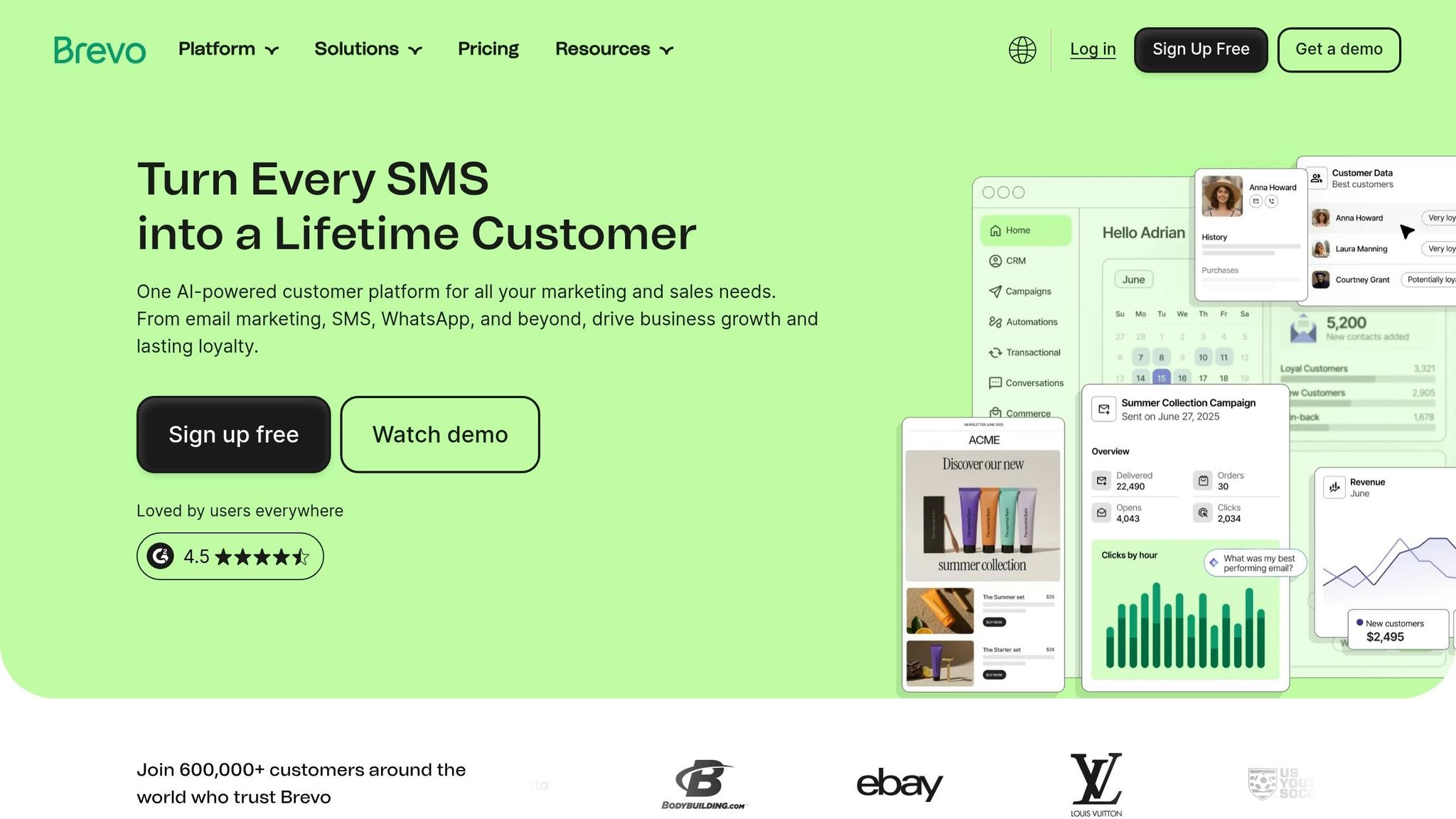
Brevo’s drag-and-drop editor ensures your email designs look great on any screen size. With a handy top-bar toggle, you can quickly switch between desktop and mobile views, while the WYSIWYG (What You See Is What You Get) canvas provides real-time previews, so there are no surprises when your emails go live.
Responsive Design Compatibility
Brevo’s editor is equipped with mobile optimization settings that make sure your emails are easy to read on smaller screens. You can adjust element positions, text sizes, and alignments specifically for mobile devices using the built-in mobile design mode. For those who want more control, Brevo offers a Developer Mode. By reaching out to support, you can enable this feature to fine-tune your emails with custom HTML and CSS, ensuring they render perfectly across different email clients.
Ease of Editing
The editor’s no-code interface includes pre-designed content blocks such as Text, Title, Image, Video, Button, Social, HTML, Divider, Product, and Navigation. You can simply drag and drop these blocks into place. Need help with email copy? Brevo’s Aura AI assistant, conveniently located in the left navigation panel, can generate content ideas on the spot. Plus, the editor automatically saves your work every minute, and the "last saved" feature lets you restore previous versions if needed. If you frequently use branded elements like headers or footers, you can save them in the "Saved" tab for quick reuse in future campaigns. These features make designing and managing templates a seamless process.
Export Options
Brevo lets you save your designs as PDF files for easy sharing or printing. Alternatively, you can store them as templates within your Brevo account for future use. If you prefer working with external tools, platforms like Beefree allow you to create responsive HTML emails and export them directly to Brevo with a single click. In fact, 81% of Beefree users report that this integration helps them design emails at least three times faster.
Free Plan Limitations
Brevo’s native editor is included in its free plan, offering all the basic drag-and-drop features and the Aura AI assistant. However, Developer Mode isn’t enabled by default - you’ll need to contact support to activate it for advanced HTML customization. While the free plan covers essential tools for creating responsive emails, it’s always a good idea to use the "Preview & Test" feature to check how your emails render across different clients before hitting send.
8. Email on Acid Free Templates
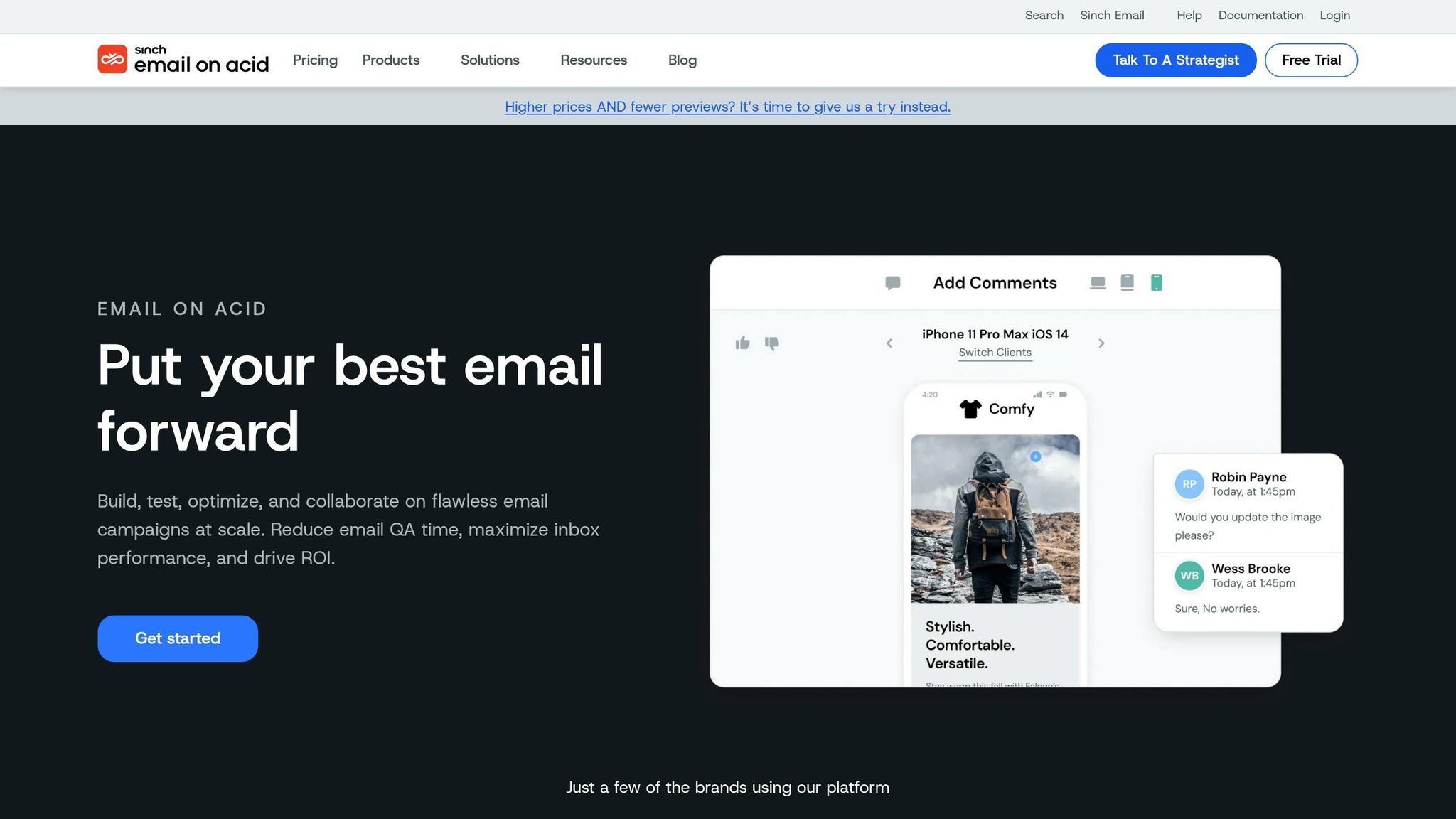
Email on Acid offers a variety of free, responsive email templates designed to look great on any screen - an essential feature in today's mobile-focused world. Popular options include "Seashells", "Emailology", "MailNinja Summer", and "Winter Wonder." Each template is custom-coded and rigorously tested to ensure compatibility across various email clients, desktops, and mobile devices. With mobile usage dominating email interactions, these templates help maintain a polished appearance on every screen.
Responsive Design Compatibility
These templates are built with breakpoints that adjust layouts for different screen sizes. For example, the "Seashells" template includes two breakpoints that automatically switch multi-column layouts to a single column for smaller devices. Similarly, "Emailology" templates leverage media queries to adapt to smartphones, tablets, and desktops. They support layouts with 1–3 columns and include features like hero images, up to six content block styles, and bulletproof buttons. These flexible designs make it easier to tailor templates for any campaign.
Ease of Editing
The templates are provided in clean HTML/CSS code, making them ideal for developers who want to customize them further. For non-developers, Email on Acid offers ESP-specific versions compatible with platforms like Mailchimp and Campaign Monitor, allowing easy use with drag-and-drop editors. If you're working with raw HTML, remember to run your code through a style inliner to ensure proper rendering across email clients. After customization, you can use Email on Acid's Link and Image Validator to verify that all assets are functional before sending. This step-by-step process simplifies editing while ensuring high-quality results.
Export Options
You can download the templates in several formats: standard HTML, a version without inline styles, and ready-to-use versions for Mailchimp and Campaign Monitor. This flexibility allows you to work with different email platforms without starting from scratch. To access these templates, sign up for a free basic account on the Email on Acid platform.
Free Plan Limitations
Although the templates are free to use, you should re-test your emails after adding custom content, as even small code tweaks can affect responsiveness. Email on Acid also provides a 7-day free trial of their full testing platform, where you can preview your customized templates on over 70 email clients and devices. This ensures your emails perform reliably across the board.
9. Litmus Free Resources
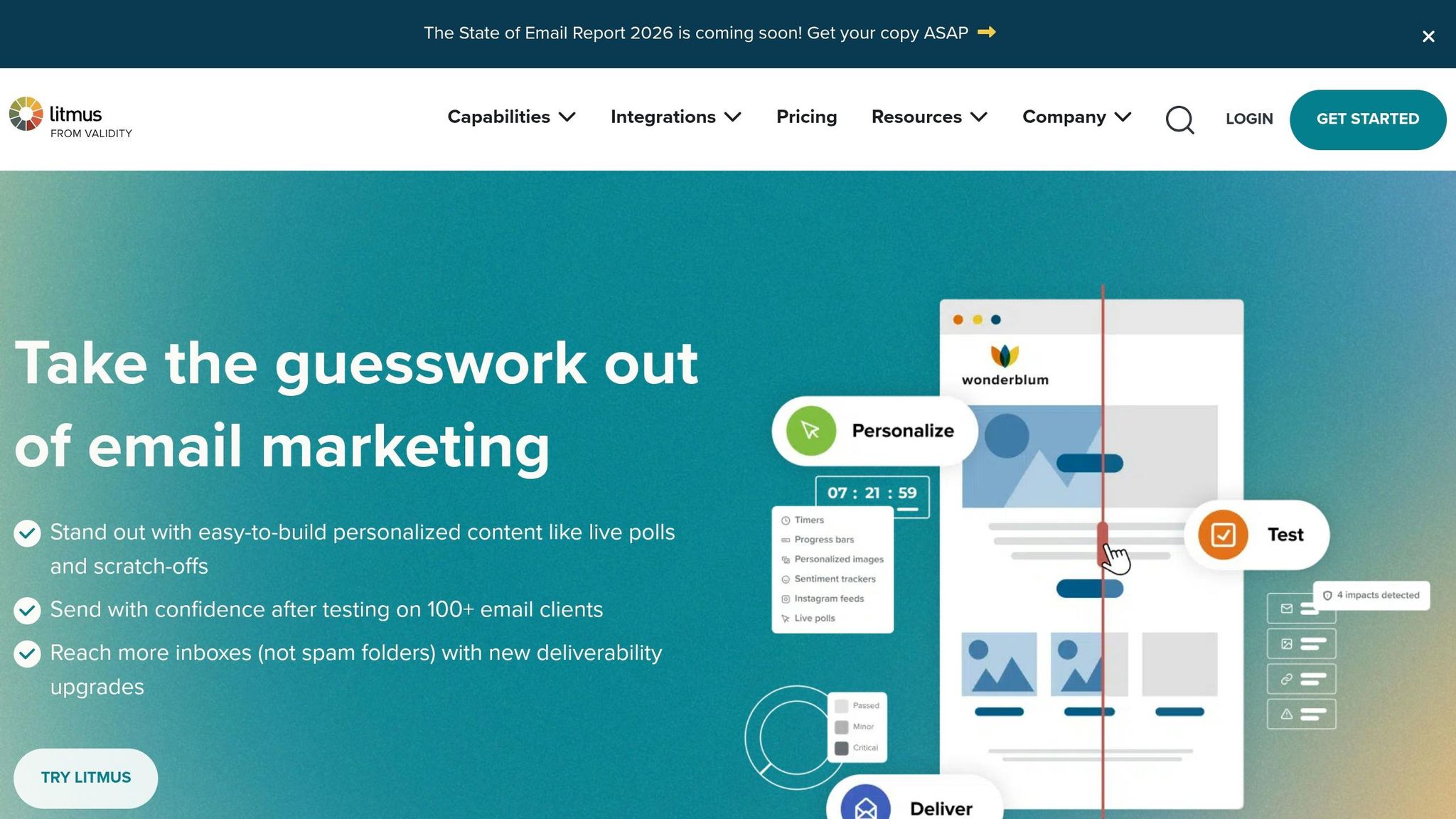
Litmus rounds out the list of free email design tools with a hub of responsive email templates trusted by over 700,000 users. These templates are designed to work seamlessly across devices and email clients, helping you launch campaigns faster and with less hassle. Their built-in compatibility ensures your emails look great and function well, no matter the platform.
Responsive Design Compatibility
The templates adapt effortlessly to mobile phones, tablets, and desktops. Litmus also offers an Email Client Market Share tool, which helps you figure out which devices and email clients your audience is using - whether that’s Apple Mail, Gmail, or Outlook. Armed with this data, you can focus your testing efforts on the platforms your audience uses most, ensuring your emails perform as expected.
Ease of Editing
For those who want more control, Litmus Builder (available with a paid plan) provides a drag-and-drop interface for beginners and a powerful HTML editor for developers. The Design Library feature stores templates that align with your brand, making it easy to maintain consistency without diving into manual coding. Donnell Deleon, Marketing Automation Developer at VSP, shares how Litmus transformed their workflow:
"Before Litmus, our build time took hours, and often days. Thanks to Litmus, we can build the whole email in half an hour."
Free Plan Limitations
While the free resources include basic templates and email client market share insights, more advanced tools require a paid subscription. For instance, the ESP Sync feature - available on the Plus plan - integrates with platforms like Campaign Monitor, Mailchimp, and HubSpot. The Enterprise plan expands support to include Salesforce Marketing Cloud, Oracle Eloqua, and Marketo. Without ESP Sync, you’ll need to manually export your email code, which can lead to version control headaches. Additionally, full inbox previews across over 80 email clients are only available with paid plans. Still, the free templates provide a solid starting point for creating responsive email designs.
10. MJML Framework
MJML is a fully open-source framework tailored for developers who want full control over their email coding process. Launched in 2015, it simplifies the creation of responsive emails by using semantic tags that automatically convert into client-friendly HTML. Instead of dealing with the hassle of manually nesting tables and applying inline CSS, developers can use tags like <mj-section> and <mj-column>. These are then transformed into dependable HTML, ensuring that emails look great on any device.
Responsive Design Compatibility
MJML is built with responsiveness at its core, taking a mobile-first approach. This means that columns automatically stack vertically on smaller screens, like phones, while maintaining their horizontal layout on desktops and tablets. The framework handles all the intricate details - generating nested tables and inline CSS to ensure emails display properly across popular clients like Gmail and Outlook. As MJML.io explains:
"MJML is responsive by design on most-popular email clients, even Outlook. Write less code, save time and code more efficiently with MJML's semantic syntax."
Export Options
MJML offers multiple ways to export responsive HTML, including through its command-line interface (CLI), a Node.js library, and a free API. For example, you can run a simple command like mjml input.mjml -o output.html to compile MJML files into HTML, with options to beautify or minify the output. The framework also supports importing reusable components using the mj-include tag, allowing you to integrate partial MJML, CSS, or HTML files into your templates. Additionally, some visual builders based on MJML enable exporting in formats like MJML or JSON, adding flexibility for professionals.
Ease of Editing
While MJML does require some coding knowledge, it significantly simplifies the process compared to building responsive HTML emails from scratch. Its component-based structure includes reusable elements like <mj-image>, <mj-button>, and <mj-carousel>. For those who prefer a visual approach, there are third-party tools offering drag-and-drop interfaces powered by MJML’s engine. Andy King, Principal & Head Curator, highlights why his team chose MJML:
"We decided to use MJML as the framework for our Figma Plugin due to its simplicity, support for a wide range of email clients, and component-based structure."
Being open-source, MJML imposes no restrictions on usage, features, or contacts. Everything, including the API, is completely free, making it an excellent choice for building responsive email designs without added costs. Developers can also benefit from plugins for editors like Visual Studio Code and Sublime Text or test their code quickly using the "Try it live" editor on the MJML website. For automation, the CLI’s --watch command updates your HTML file automatically whenever you make changes to the source MJML file.
Feature Comparison Table
Picking the right email design tool comes down to your workflow and technical expertise. Here's a side-by-side look at some popular tools, highlighting their editing methods, export formats, restrictions, and ideal users:
| Tool | Editing Method | Export Formats | Key Restrictions | Best For |
|---|---|---|---|---|
| Strikingly Email Builder | Drag-and-drop | HTML | Platform-specific | Beginners looking for ease of use |
| Canva Email Designer | Visual editor | HTML, PDF | Limited ESP integrations | Marketers prioritizing visuals |
| Mailchimp Email Templates | Drag-and-drop | Mailchimp only | Locked into ecosystem | Dedicated Mailchimp users |
| Beehiiv Free Editor | Drag-and-drop | Beehiiv only | Platform-specific | Newsletter creators |
| Campaign Monitor Free Templates | Drag-and-drop | HTML | Limited template library | Quick-start templates |
| MailerLite Drag & Drop Builder | Drag-and-drop | MailerLite only | Ecosystem restrictions | MailerLite subscribers |
| Brevo (Sendinblue) Design Tool | Drag-and-drop | Brevo only | Platform-specific | Users within Brevo's ecosystem |
| Email on Acid Free Templates | Code editor | HTML | Fewer free templates | Developers needing testing tools |
| Litmus Free Resources | Code editor | HTML | Limited to resources | Learning and testing email designs |
| MJML Framework | Code-based | HTML, JSON, MJML | Requires coding skills | Developers seeking advanced control |
Many free tools come with limitations, especially on free plans. For example, some restrict how often you can export designs, which could slow you down if you're managing multiple campaigns.
Tools like Mailchimp Email Templates and Brevo Design Tool are tightly integrated into their ecosystems, making them great for users already committed to those platforms. However, if you need flexibility across platforms, this could be a drawback.
Your preferred editing method plays a big role in your workflow. Drag-and-drop editors are perfect for marketers who want a fast, no-code solution. On the other hand, code-based tools like MJML give developers the ability to create highly customizable and responsive email designs. These tools even ensure compatibility with older email clients like Outlook, offering a level of control that drag-and-drop editors can't match.
Ultimately, the right tool depends on your priorities - whether that's simplicity, flexibility, or full creative control.
Conclusion
Thanks to free responsive email design tools, creating professional-looking emails is now within reach for everyone - whether you're a marketer with no coding experience or a developer looking for granular control. The 10 tools mentioned here offer a range of features, from easy drag-and-drop interfaces to flexible coding options, all without requiring any upfront costs.
These tools address technical challenges by ensuring emails look great across devices - smartphones, tablets, and even older email clients - through features like automatic adjustments and pre-tested templates. However, it’s crucial to preview your designs and send test emails. Even small issues, like alignment problems, can impact how your audience engages with your content.
To get started, pick one or two tools that align with your workflow. Whether you prefer using your platform’s built-in editor or a standalone builder, focus on creating a small library of essential templates - such as newsletters, promotional emails, and transactional messages - to cover most scenarios.
With email marketing delivering an average ROI of $38 for every $1 spent, finding the right design tool and refining your process can help you craft emails that not only look good but also get results.
FAQs
What’s the best tool if I don’t want to code?
Plainly stands out as a fantastic tool for crafting responsive emails without needing any coding skills. Its AI-driven drag-and-drop editor simplifies the design process, making it quick and hassle-free. Similarly, EDMdesigner provides a flexible drag-and-drop interface paired with pre-made templates and responsive HTML, ensuring you can create professional emails without touching a single line of code. Both options are intuitive and perfect for users without a technical background.
Can I export my email as HTML and use it anywhere?
Yes, tools like Beefree and EDMdesigner make it easy to create responsive email templates. Once designed, you can export these templates as HTML, allowing you to use them on any platform that supports HTML emails.
How can I test my email in Gmail and Outlook before sending?
To check how your email looks in Gmail and Outlook, try using tools like Litmus or EmailonAcid. These platforms allow you to preview your email across different devices and platforms. Some email editors, like Unlayer, also come with built-in preview options for testing in multiple email clients. This step is crucial to make sure your email appears as intended before launching your campaign.