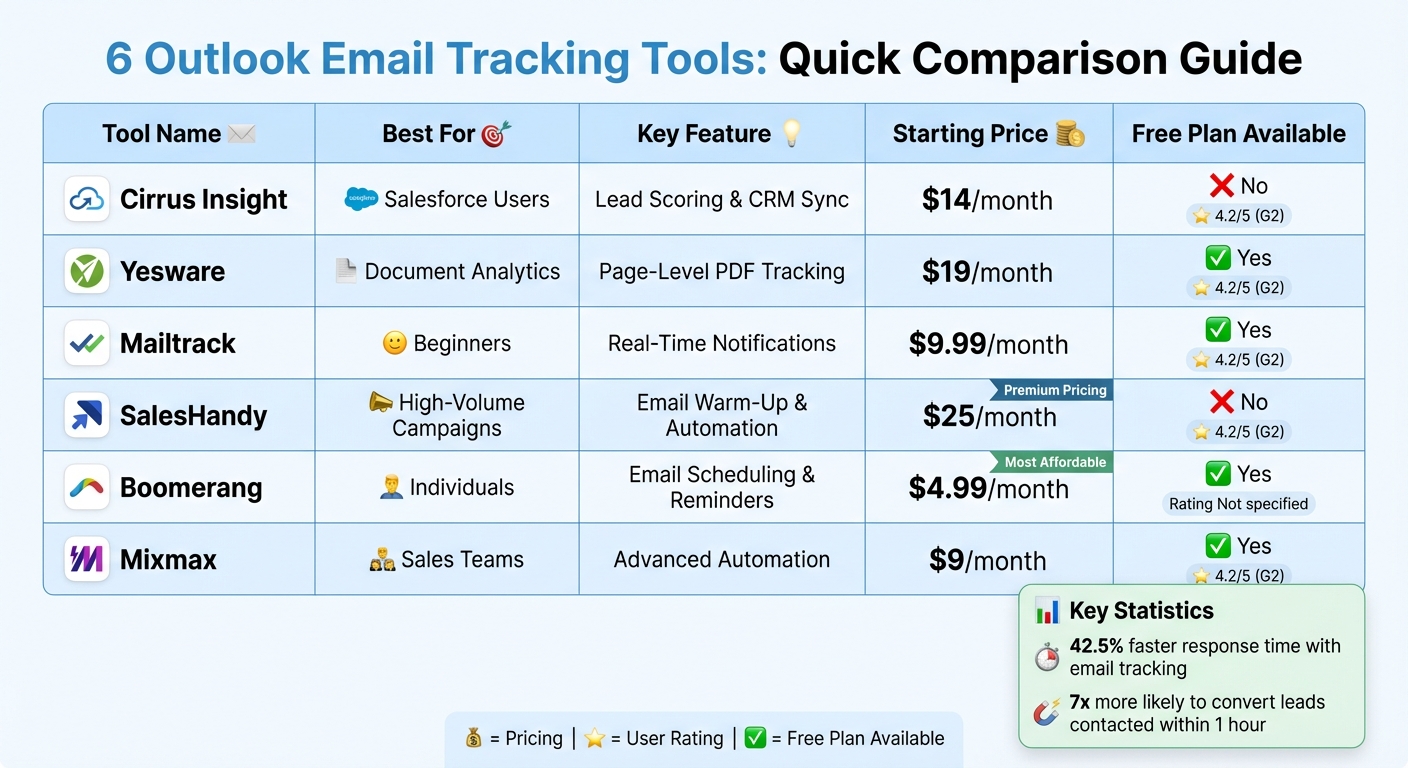
Email tracking tools for Outlook help you monitor when emails are opened, links are clicked, and attachments are downloaded. This is crucial for improving response times and optimizing follow-ups, especially for sales teams. Unlike Outlook's built-in "read receipts", these tools work in the background without requiring recipient approval. Key features to look for include CRM integration, custom tracking domains, and filtering internal activity. Below are six options with their strengths, pricing, and Outlook compatibility:
- Cirrus Insight: Best for Salesforce users, with features like lead scoring and attachment tracking. Starts at $14/month.
- Yesware: Offers page-level PDF analytics and multi-channel campaigns. Free plan available; paid plans from $19/month.
- Mailtrack (Mailsuite): Simple and beginner-friendly with real-time notifications. Free plan available; advanced plan at $9.99/month.
- SalesHandy: Ideal for high-volume campaigns, with email warm-up and automated sequences. Starts at $25/month.
- Boomerang: Focuses on email scheduling, reminders, and AI writing support. Free plan available; paid plans from $4.99/month.
- Mixmax: Advanced automation and CRM integration for sales teams. Free plan available; paid plans from $9/month.
Quick Comparison:
| Tool | Best For | Key Feature | Starting Price | Free Plan |
|---|---|---|---|---|
| Cirrus Insight | Salesforce Users | Lead Scoring & CRM Sync | $14/month | No |
| Yesware | Document Analytics | Page-Level PDF Tracking | $19/month | Yes |
| Mailtrack | Beginners | Real-Time Notifications | $9.99/month | Yes |
| SalesHandy | High-Volume Campaigns | Email Warm-Up & Automation | $25/month | No |
| Boomerang | Individuals | Email Scheduling & Reminders | $4.99/month | Yes |
| Mixmax | Sales Teams | Advanced Automation | $9/month | Yes |
Choose based on your team's needs, budget, and desired features. Tracking tools can drastically improve email engagement and response times, helping you close deals faster.
Outlook Email Tracking Tools Comparison: Features, Pricing & Best Use Cases
How to Track Email Opens with Mailbutler (Works in Gmail & Outlook)
sbb-itb-6e7333f
1. Cirrus Insight
Cirrus Insight is designed specifically for sales teams that rely on Salesforce and need an easy way to integrate it with Outlook. It tracks email opens, link clicks, and attachment downloads, while also scoring engagement to help you identify which leads require your immediate attention.
Features
Cirrus Insight makes use of Outlook's familiar interface to deliver real-time sales insights through its Buyer Signals and Salesforce Sidebar. These tools provide a wide range of capabilities to streamline your workflow.
- Buyer Signals: This feature automatically ranks prospects based on how they interact with your emails. For instance, if someone opens your message multiple times or clicks on links, Cirrus Insight flags them as a warm lead, helping you focus on timely follow-ups.
- Salesforce Sidebar: Integrated directly into Outlook, this sidebar lets you create leads, update opportunities, and log tasks without leaving your inbox. It syncs emails, meetings, and tasks with Salesforce, saving you from manual data entry.
- Smart Scheduler: This tool connects with your Outlook calendar to automate meeting bookings and ensures leads are routed to the right team member.
- Attachment Tracking: You'll get instant notifications when recipients open or download your files, making it easier to follow up during critical stages like contract reviews or proposal discussions.
Pricing
Cirrus Insight plans start at $14 per user per month when billed annually. Depending on the features you need, pricing ranges from $10 to $29 per month. A 14-day free trial is available, and you don’t need a credit card to get started.
User Feedback
Cirrus Insight has earned a 4.2 out of 5 stars rating on G2. Users frequently highlight its compatibility across different environments, including Mac.
Patti McCreadie from One Medical Passport shared: "We pretty much live out of Outlook. We were previously using LinkPoint, but our MAC users were not supported... Cirrus Insight supports all of our environments".
However, some users have noted that the initial setup process can be a bit challenging.
Outlook Integration
Cirrus Insight is installed as an Office Add-in and works seamlessly across Exchange, Outlook for PC and Mac, Office 365, and Outlook.com. After installation, you simply authenticate with your Salesforce credentials to enable the two-way sync between the platforms.
2. Yesware
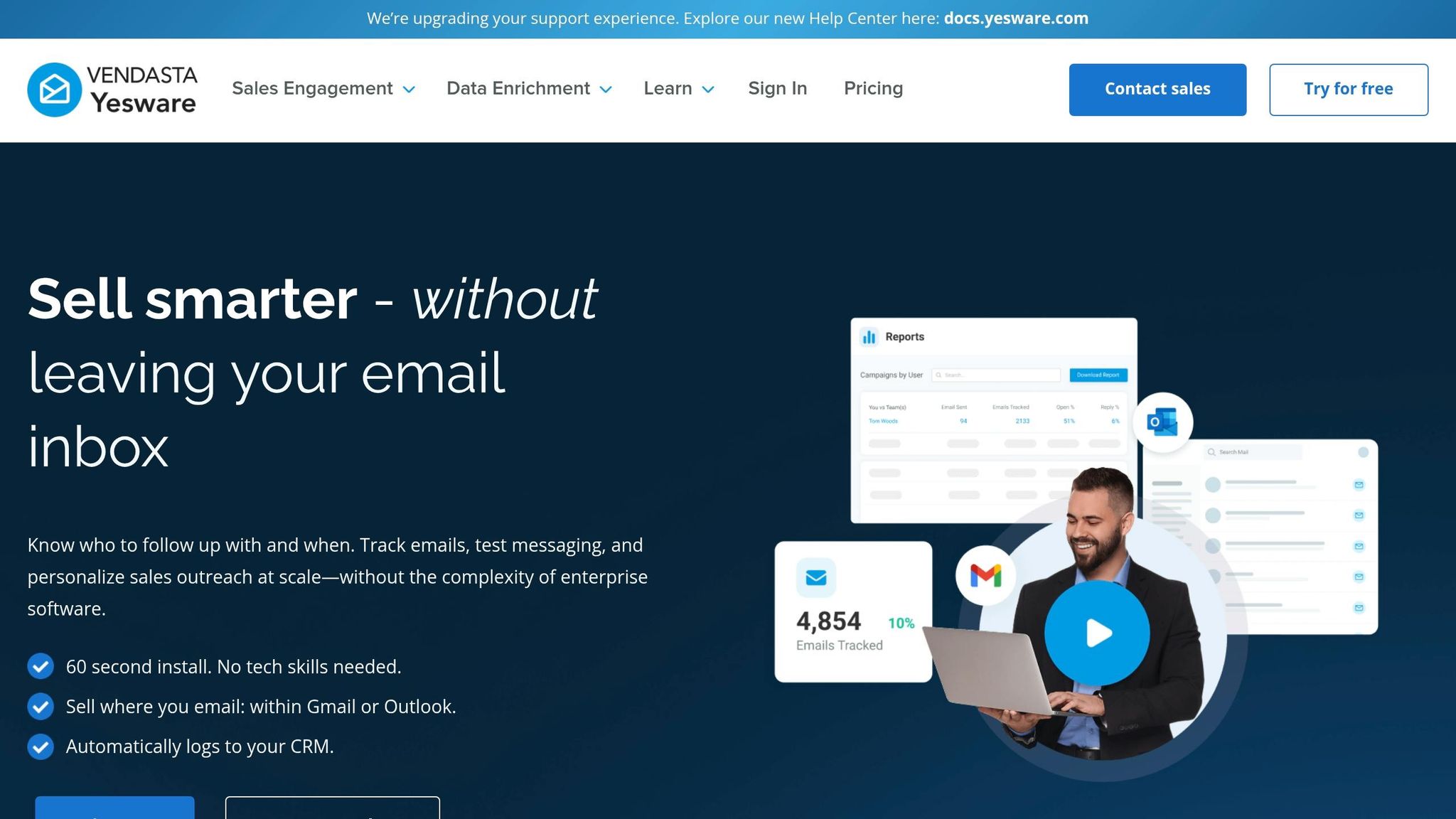
Yesware takes sales engagement up a notch by delivering detailed insights and supporting multi-channel campaigns. It tracks email opens, link clicks, and attachment views in real time. A standout feature? Page-level tracking that pinpoints which specific PDF pages or proposal sections grab a recipient's attention.
Features
Yesware integrates directly into Outlook's ribbon, putting tracking, templates, and meeting scheduling at your fingertips. It goes beyond basic email tracking by enabling multi-channel campaigns that blend automated email follow-ups with manual calls and LinkedIn interactions. The Activity Feed provides a centralized view of recipient actions - such as opens, clicks, and replies - making it easy to stay informed.
The platform also includes a meeting scheduler that syncs with your Outlook calendar, cutting down on back-and-forth emails about availability. For teams using Salesforce, Yesware automatically logs engagement data into CRM records, removing the hassle of manual updates.
Pricing
Yesware offers four pricing options to suit different needs:
- Free Plan: Includes basic tracking (around 200 notifications per month), 10 templates, and simple meeting scheduling.
- Pro Plan: Costs $19 per seat per month and adds unlimited tracking, attachment analytics, and support for up to 20 campaign recipients per day.
- Premium Plan: At $35 per seat per month, it unlocks unlimited campaigns, team collaboration features, and shared templates.
- Enterprise Plan: Priced at $65 per seat per month, this tier includes bidirectional Salesforce sync and dedicated support.
User Feedback
Yesware boasts a 4.4-star rating on G2. Users love its page-level analytics for proposals and the smooth integration with Salesforce. However, some have pointed out that the most advanced features - like campaign management and CRM syncing - are only available in the higher-priced plans, which might be a challenge for smaller teams or those managing large volumes.
Outlook Integration
Designed as an Outlook Add-on, Yesware works seamlessly with both Desktop (2016 and newer) and Web versions (on Chrome, Edge, or Internet Explorer). Once installed, all its features are accessible right within the Outlook interface, eliminating the need to juggle multiple applications.
3. Mailtrack
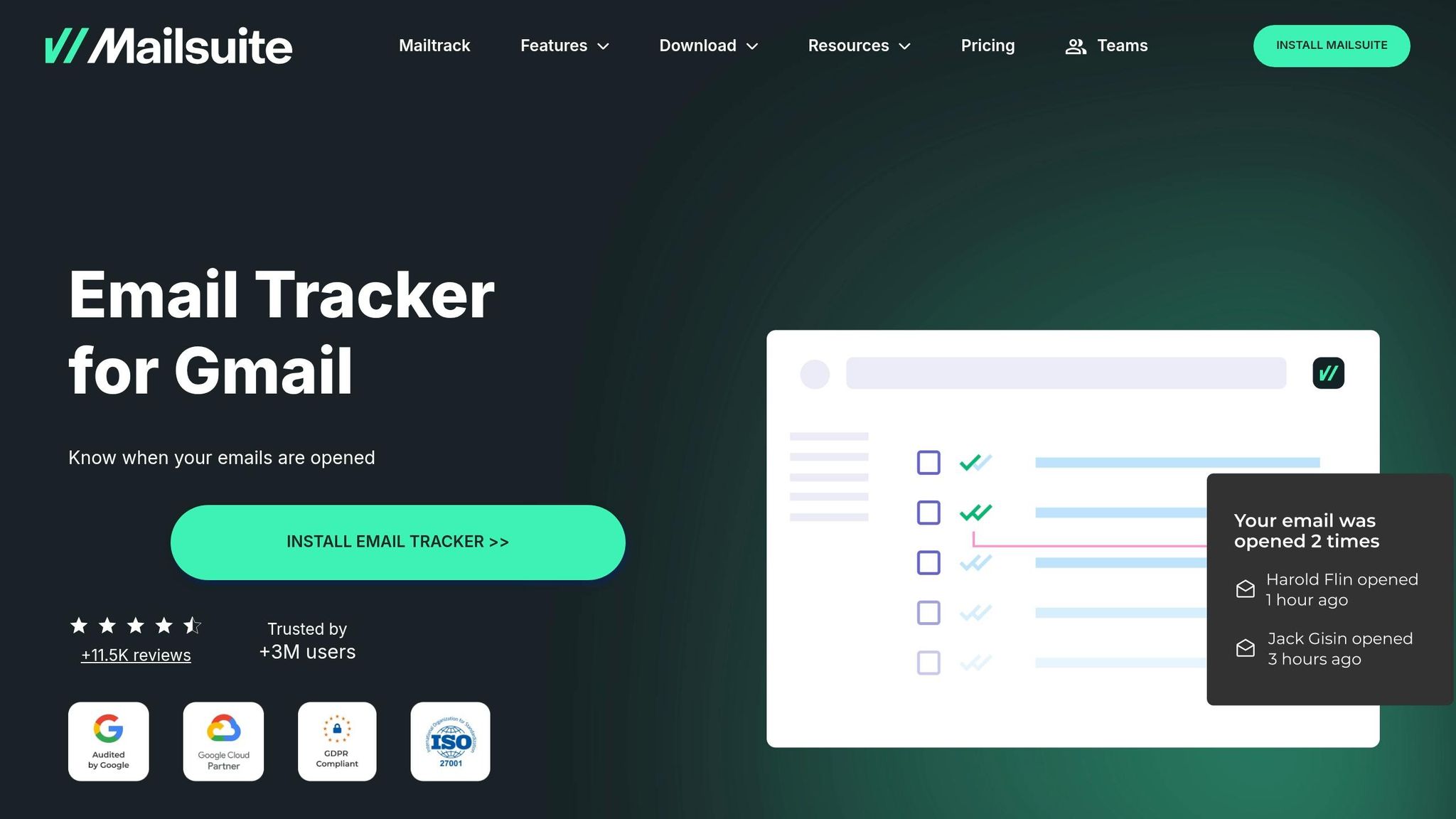
Mailtrack, now known as Mailsuite, offers a simple and accessible email tracking solution tailored for Outlook users. With a generous free plan and an intuitive design, it's a go-to option for anyone seeking basic tracking tools without unnecessary complications. Trusted by millions, including over 116,000 professionals, Mailsuite makes tracking straightforward and effective.
Features
Mailsuite provides real-time notifications whenever an email is opened or a link is clicked. It also allows you to see individual engagement in group emails, so you know exactly who interacted with your message.
Some standout features include:
- Open Spike Alerts: Notifies you when a recipient opens your email multiple times in quick succession.
- Revival Alerts: Alerts you when an older email is reopened.
- No-Reply Alerts: Sends reminders if an email goes unanswered for 24–72 hours.
"I love Mailsuite because it gives me sneak peeks into when my customers are reading my emails. I also love the click tracking, which lets me see what links they're clicking." – Carla Harris, Director at The People Institute.
Security is a priority with AES-256 encryption and GDPR compliance. Importantly, Mailsuite does not access or store your email content. It tracks engagement using a transparent 1x1 pixel.
These features are available across both free and advanced plans, making it a flexible tool for different needs.
Pricing
| Plan | Price | Key Features | Limitations |
|---|---|---|---|
| Free | $0/month | Unlimited tracking, desktop notifications, double-check marks | Includes "Sent with Mailsuite" signature |
| Advanced | $9.99/month (annual) or $11.99/month (monthly) | Link & PDF tracking, individual group tracking, CRM integration, up to 60,000 emails/month | - |
While the free plan is robust, the mandatory "Sent with Mailsuite" signature can feel unprofessional for business communications.
User Feedback
Mailsuite has earned a 4.6/5 rating on G2 and 4.4/5 on the Chrome Web Store.
"I am a realtor, and it's very important for me to see when my clients open emails I sent. I think anyone who needs a tracking system will find this one exceptional." – Jannet Skeels, Realtor, United Real Estate Solutions.
However, some users criticize the free version's promotional signature. Additionally, technical analysts have flagged concerns about the shared tracking domain, which could affect email deliverability if other users on the same domain engage in spam-like activity.
Outlook Integration
Mailsuite is designed to integrate seamlessly with Outlook, enhancing your workflow without adding complexity. Its add-in, available in the Microsoft Store, works with Outlook webmail and desktop applications on both Windows and Mac. To activate the add-in, you'll also need to install the Mailsuite Chrome extension.
Once installed, you can view tracking history right within your Outlook Sent folder by selecting an email and clicking on the add-in. This eliminates the need to toggle between apps.
"I don't have to wait around for days to wonder if a response is coming or if the email has not even been received due to an address error." – Matt Bottoms, Director at Scottsdale Christian Academy.
4. SalesHandy
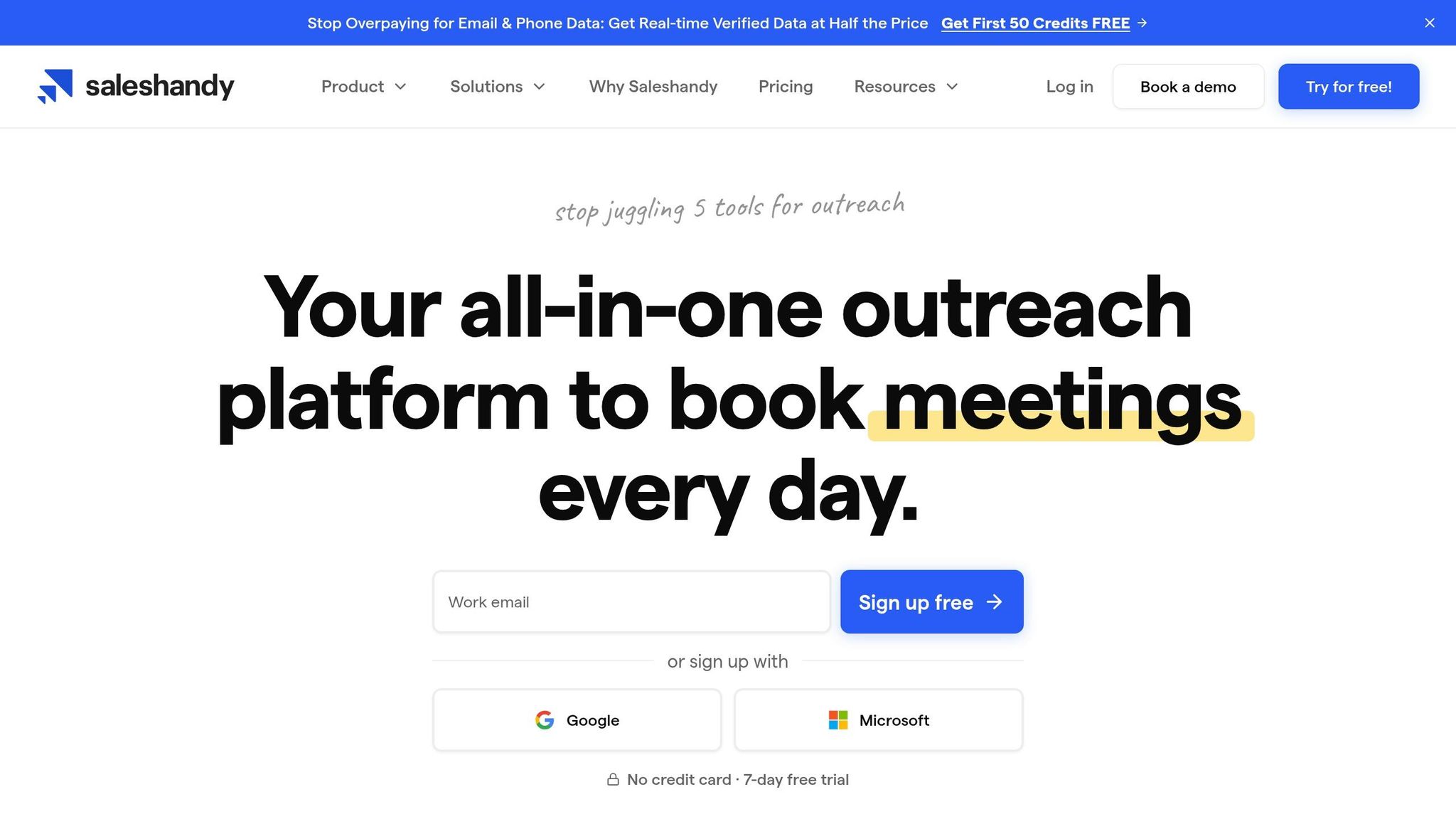
SalesHandy is designed to make high-volume email campaigns on Outlook more efficient. It goes beyond basic tracking by offering real-time monitoring, automated sequences, deliverability safeguards, and a lead finder with access to over 700 million contacts. With ratings of 4.6/5 on G2 and 4.7/5 on Trustpilot, it’s a popular choice for improving email outreach. Let’s take a closer look at its features, pricing, and user feedback.
Features
SalesHandy’s Outlook plugin adds tracking icons directly to the Home tab, giving users quick access to its tools. It provides real-time tracking for email opens, link clicks, and attachment interactions.
The TrulyInbox feature is a standout, warming up emails to improve sender reputation and reduce the chances of messages landing in spam folders. It also supports multi-step automated sequences, complete with conditional follow-ups.
"Perfect starter tool. We booked 12 meetings in our first month." – Mike R., SDR, TechFlow
The platform’s Lead Finder has impressed users with its accuracy. For example, Thomas Foley, Founder of HighTouch, pulled 3,000 contacts for a campaign and achieved a 92% email verification rate on the first attempt. He described the data accuracy as "unreal". Similarly, Julia M., a Director of Sales, reported a drop in her team’s bounce rate from 12% to under 3% after using SalesHandy’s Lead Finder.
Additional features include A/B testing, shared templates for teams, and custom tracking domains to maintain high deliverability rates.
Pricing
| Plan | Price | Key Features |
|---|---|---|
| Outreach Starter | $25/month (annual) or $36/month (monthly) | 2,000 active prospects, 6,000 emails/month |
| Outreach Pro | $69/month (annual) or $99/month (monthly) | 30,000 prospects, 150,000 emails/month, unified inbox |
| Outreach Scale | $139/month (annual) or $199/month (monthly) | 60,000 prospects, 240,000 emails/month |
| Outreach Scale Plus | $209/month (annual) or $299/month (monthly) | 100,000 prospects, dedicated success manager |
You can try SalesHandy for free with a 14-day trial - no credit card required. Additional services include Microsoft O365 email accounts for $4 per account per month and email verification starting at $15 for 5,000 recipients.
User Feedback
SalesHandy has earned a 4.5/5 rating on Capterra and 4.6/5 on G2, based on 773 reviews. Users frequently highlight the accuracy of the Lead Finder and the strong return on investment from automated outreach.
"Lead Finder had 23% higher email accuracy and cost us a fraction of the price. Switched our entire team over." – Gareth Hayter, Founder & CEO, Slyce Software Ltd
"Saved us 20hrs/week on outreach. The ROI is insane." – Sarah K., RevOps Lead, Acme
However, some users have noted that the Outlook plugin can occasionally be disabled by the host application. If this happens, it must be manually re-enabled through File > Options > Customize Ribbon > Developer > COM Add-Ins.
Outlook Integration
SalesHandy integrates seamlessly with Outlook, supporting Desktop Outlook (2010 and newer), Office 365, and webmail versions on both Windows and Mac. Once installed via the dedicated Outlook add-in, users can view tracking history directly in the Sent folder.
It also works with Zapier for workflow automation. To preserve deliverability and avoid blacklisting, SalesHandy advises staying within daily limits of about three emails per hour per user.
5. Boomerang
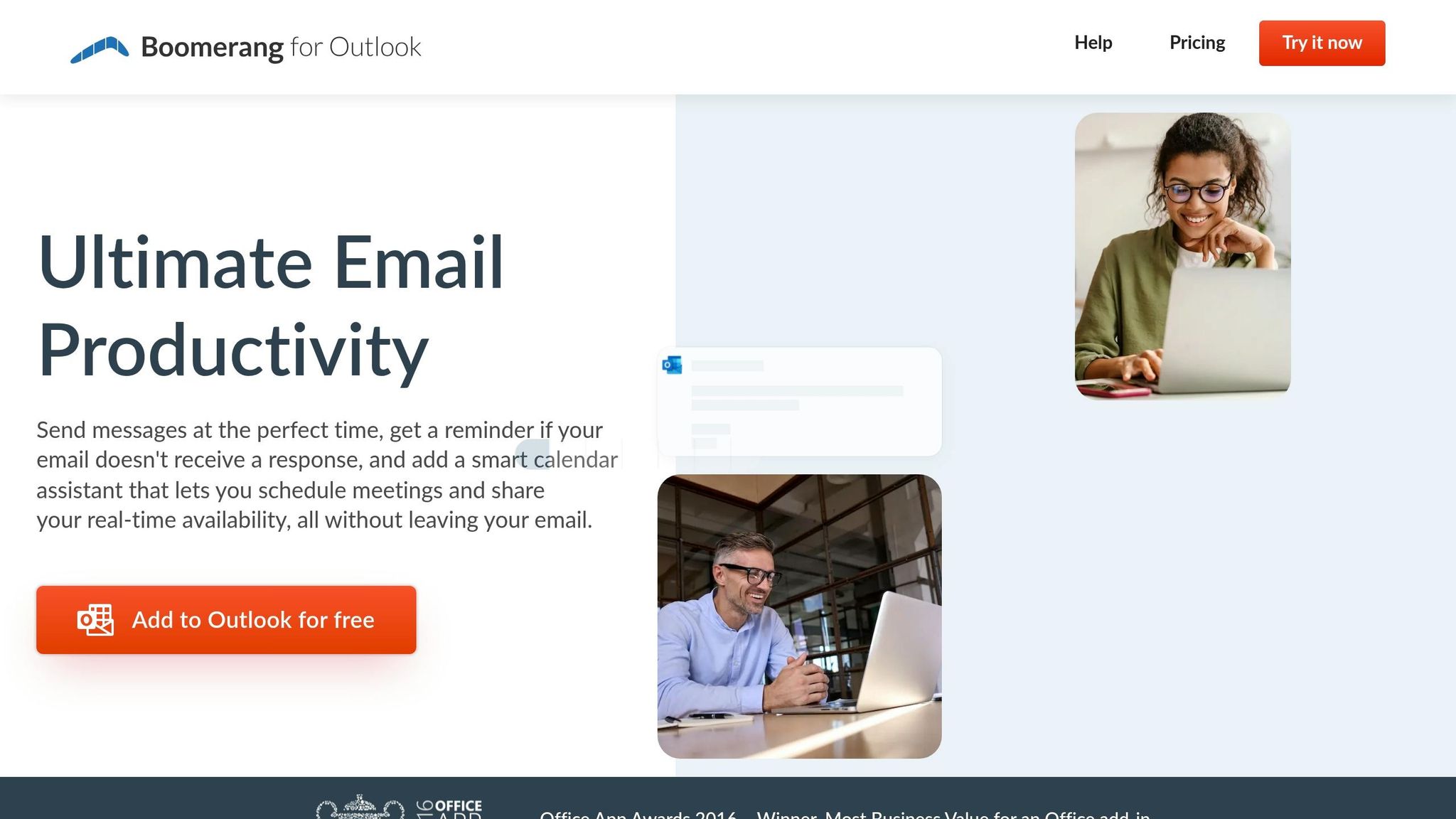
Boomerang is tailored for individuals and small teams looking for a straightforward way to manage emails efficiently. Unlike bulkier tools, it focuses on simplicity while offering features like real-time read receipts, click tracking, and AI-driven writing support. As a native Outlook add-in, it works directly within the familiar Outlook interface, making it easy to use without a steep learning curve.
Features
Boomerang integrates directly into your Outlook ribbon, giving quick access to its tracking and scheduling tools. Here’s what it brings to the table:
- Read Receipts: Know exactly when your email was opened, with timestamps for the first and last views.
- Click Tracking: See which links in your email were clicked.
- Response Tracking: Set reminders for follow-ups, triggered only if there’s no reply.
- Natural Language Scheduling: Schedule emails or reminders using simple phrases like “Tomorrow at 4pm” or “Tuesday at 9am”.
- Respondable: An AI tool that evaluates your email in real time, offering feedback on length, sentiment, and readability to help boost response rates.
- Inbox Management: Use the Snooze feature to temporarily hide emails or Inbox Pause to stop new messages from coming in, so you can focus.
These features strike a balance between being functional and easy to use, making Boomerang a solid choice for anyone aiming to streamline their email workflow.
Pricing
| Plan | Price (Billed Annually) | Key Features |
|---|---|---|
| Basic | Free | 10 message credits/month; includes Send Later, Snooze, Read Receipts, Click Tracking |
| Personal | $4.99/month | Unlimited message credits; adds Respondable and Inbox Pause |
| Pro | $14.99/month | Unlimited credits; includes Bookable Schedule, Recurring Messages, and Advanced Respondable |
| Teams | Custom | Centralized billing, team management, and all Pro features |
The Basic plan is ideal for occasional users, offering 10 free message credits per month. For those needing more, higher-tier plans with monthly billing are available.
User Feedback
Boomerang has earned praise for its seamless integration into Outlook, allowing users to schedule emails without jumping between platforms. Popular features like Remind Me and Send Later help users stay organized and on top of their communications.
That said, it’s not without its drawbacks. Some users feel the interface could be more polished, especially when compared to pricier competitors. Additionally, Boomerang lacks advanced features like in-depth analytics, CRM synchronization, shared pipelines, or multi-channel engagement (e.g., SMS or calls). While it excels at managing individual emails, it’s not built for teams needing comprehensive sales tools.
Outlook Integration
Boomerang adds a dedicated folder in Outlook for scheduled emails and follow-up reminders. It works with Outlook.com and Office 365 accounts, supporting both desktop and web versions. This tight integration ensures that all tracking and scheduling features operate seamlessly within the Outlook environment, so there’s no need to learn a new platform.
6. Mixmax
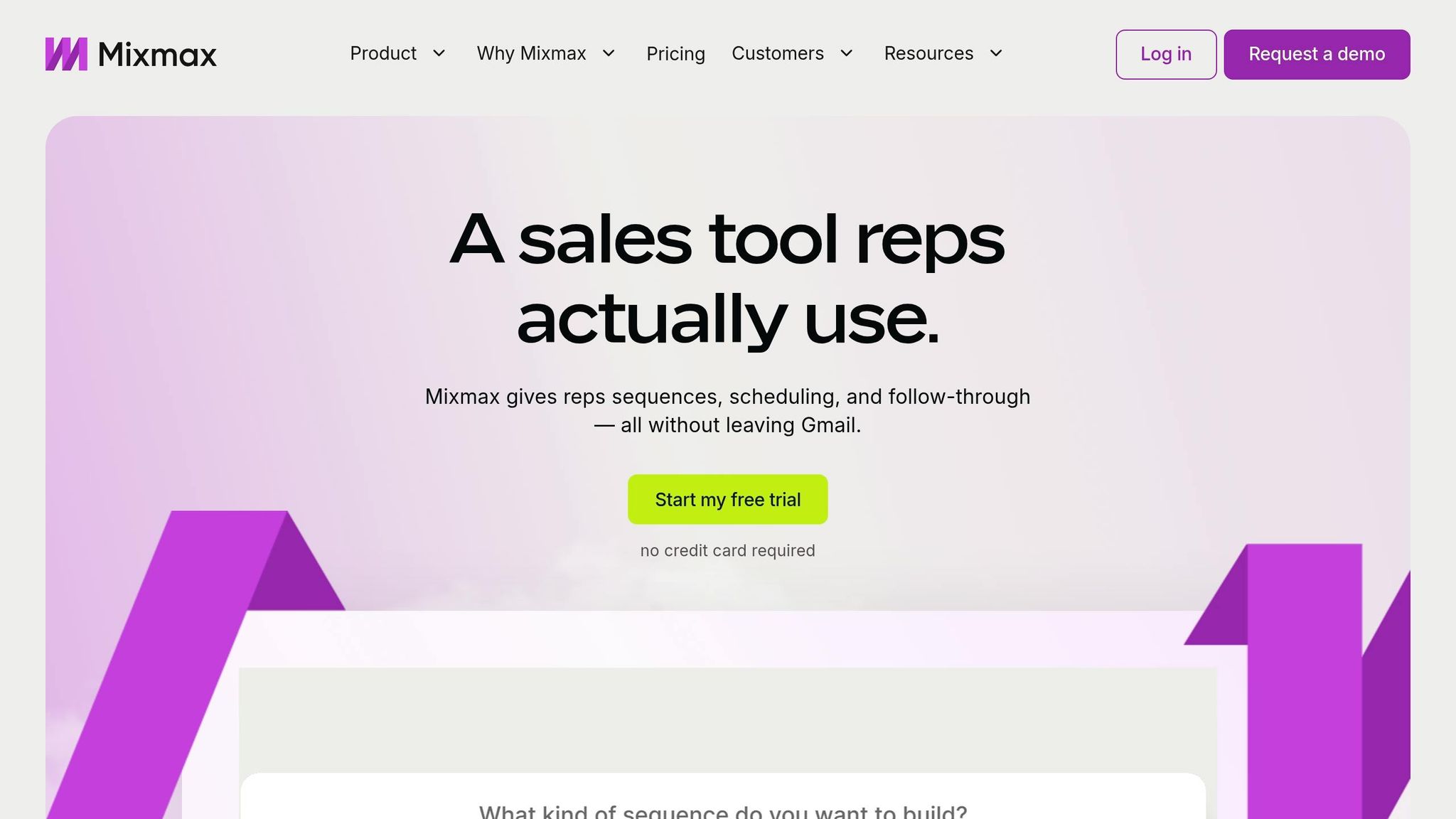
Mixmax sets itself apart as a robust sales engagement platform, offering far more than basic email tracking. Designed for teams that need advanced tools, it includes features like AI-driven send optimization, multi-channel sequences, and seamless CRM integration. With over 90,000 active users and recognition as a G2 Top 50 Sales Product in 2024, Mixmax provides a feature-rich experience while keeping the learning curve manageable. Below, we’ll dive into its key features, pricing, user feedback, and how it integrates with Outlook.
Features
Mixmax goes beyond simple email tracking by offering a suite of tools tailored for sales teams. It provides real-time notifications for email opens and link clicks, and even allows per-recipient tracking, so you know exactly who engaged with your email. Other standout features include:
- AI Smart Send: Optimizes the timing of your email sends.
- AI Compose: Assists with drafting emails.
- One-Click Meeting Scheduling: Lets you share your availability directly within your emails.
- Recipient Profiles: Displays LinkedIn details, Salesforce activity, and past interactions in a side panel.
For Salesforce users, higher-tier plans unlock bidirectional syncing and automated workflows, streamlining operations. However, there’s a slight catch: you must use the "Send with Mixmax" button in the side panel instead of Outlook’s native Send button to ensure proper tracking and syncing. This adjustment may take some getting used to if you’re accustomed to Outlook's default workflow.
Pricing
| Plan | Price (per user/month, billed annually) | Key Features |
|---|---|---|
| Starter | $9 | Unlimited tracking, templates, scheduling |
| Small Business | $24 | CRM integration, shared templates, sequences |
| Growth | $49 | Salesforce API integration, automation, team reports |
| Enterprise | Custom | Advanced reporting, delegated sending, account manager |
A free plan is available for basic functionality, but monthly billing raises the Starter plan to approximately $34 per user. Features like Salesforce API integration are exclusive to the Growth tier and above, making these plans more suitable for larger teams or advanced needs.
User Feedback
Mixmax has earned high ratings, with a 4.6/5 on G2 and 4.5/5 on OMR Reviews. Users appreciate its ability to track individual engagement within group emails and its seamless scheduling tools. The platform's focus on turning emails into interactive experiences - through features like polls and calendar links - receives frequent praise. However, some users note that higher-tier plans can be pricey for larger teams.
Outlook Integration
Mixmax integrates with Outlook as an add-in, accessible from the "Apps" menu or via a side panel in the compose window. To use it, you’ll need to log in to your Mixmax account through the web app first. The add-in requires permissions to modify your mailbox for tracking and template insertion.
There are a few quirks to be aware of. For example, if you need to adjust meeting availability slots already added to an email draft, you’ll have to delete and re-insert the component. Similarly, email templates must be created in the Mixmax web app before they can be used in Outlook. Despite these minor inconveniences, the integration keeps all tracking and scheduling tools within Outlook, reducing the need to toggle between platforms.
Pros and Cons
Here’s a quick breakdown of the main advantages and limitations of each email tracking tool when paired with Outlook. This overview highlights their strengths and challenges, helping you decide which one fits your needs best.
Cirrus Insight is a standout choice for Salesforce users, thanks to its robust CRM integration and the "Buyer Signals" feature, which helps with lead scoring. However, it does require more setup and comes with a higher price tag compared to simpler tools.
Yesware shines with its page-level attachment analytics, offering insights into which proposal pages grab attention. That said, full Salesforce synchronization is only available in the higher-tier plans, which may limit its appeal for some users.
For those new to email tracking, Mailtrack provides an intuitive WhatsApp-style checkmark system, making it beginner-friendly. On the downside, the free version includes branding, and shared tracking domains could hurt deliverability if other users misuse them.
SalesHandy caters to cold outreach campaigns with its email warm-up tools designed to protect your sender reputation. However, the lack of CRM integration might be a dealbreaker for some.
Boomerang keeps things simple and affordable, offering reminders and scheduling features that are great for individuals. But it lacks the depth of analytics found in other tools.
Mixmax takes automation to the next level with workflow triggers and the ability to identify individual openers in group emails. However, its $29/month starting price might feel steep for smaller teams.
Here’s a summary table to help you compare these tools at a glance:
| Tool | Best For | Key Strength | Key Weakness | Starting Price |
|---|---|---|---|---|
| Cirrus Insight | Salesforce Users | Deep CRM sync & Buyer Signals | Higher setup effort & cost | $14/month |
| Yesware | Document Tracking | Page-level attachment analytics | Limited Salesforce sync in lower tiers | $15/month |
| Mailtrack | Beginners | Simple checkmark interface | Branding on free version | $4.99/month |
| SalesHandy | Cold Outreach | Built-in email warm-up | No CRM sync | $25/month |
| Boomerang | Individuals | Simple reminders & scheduling | Limited analytics | $4.99/month |
| Mixmax | Automation | Workflow triggers & group tracking | Expensive for small teams | $29/month |
Conclusion
Finding the right Outlook email tracker depends on your specific needs and budget. For Salesforce users, Cirrus Insight stands out with its deep CRM integration and Buyer Signals, which help you focus on high-priority leads. If you're in sales and frequently send proposals, Yesware offers page-level attachment analytics to show which parts of your documents are catching prospects' attention.
For basic tracking at an affordable price, Mailtrack and Boomerang are great options, both costing $4.99/month. On the other hand, sales teams running high-volume cold outreach campaigns might benefit from SalesHandy, which includes built-in email warm-up tools to safeguard your sender reputation.
The data speaks for itself: sales teams that adopt email tracking can cut their response time by 42.5% in just two weeks. Plus, reaching out to a lead within one hour makes you seven times more likely to convert them into a customer. When used wisely, these tools can make a real difference in driving revenue.
One important note: keep an eye on email deliverability. Tracking methods that use shared domains can sometimes hurt your deliverability rates, whereas API-based solutions avoid this issue. Be sure to consider this alongside pricing and features.
For more help choosing tools to manage newsletters, drip campaigns, or customer retention, check out the Email Service Business Directory. It’s a great resource for comparing top platforms.
FAQs
Are Outlook email trackers legal to use?
Outlook email trackers are typically allowed in the United States when used for legitimate business reasons. However, it's crucial to follow privacy laws such as GDPR and CAN-SPAM. To stay compliant, make sure to notify recipients about tracking when necessary and avoid using trackers in ways that could be considered intrusive or unethical.
Will email tracking hurt my deliverability or go to spam?
Email tracking, if not handled properly, can hurt your deliverability or even send your emails straight to the spam folder. One common culprit? Misconfigured or missing DNS authentication records like SPF, DKIM, and DMARC. These records play a critical role in verifying that your emails are legitimate.
To minimize these risks, make sure your DNS settings are correctly configured. Stick to best practices to improve the chances of your emails landing in inboxes where they belong.
Which tool is best for Salesforce users in Outlook?
For Salesforce users working in Outlook, Yesware stands out as a solid option. This Outlook add-on helps track emails, analyze performance, and engage with buyers effectively. It works seamlessly with Outlook Desktop 2016+ and Outlook on the Web, making it a handy tool for sales teams.
With Salesforce for Outlook set to be retired in April 2025, other tools like Cirrus Insight and Manyreach are worth exploring. However, their level of Salesforce integration isn't as clearly outlined.